
1. Select the thread you want to reply to on the left. You can also use [Search Discussions] to find it. 2. Check the discussion title and [Participants] on the right, then click [Reply by Email] at the bottom. 3. Once it opens, check the names and email addresses in the recipient field. Also check the sender and recipients listed in the [This Email Will Be Sent to the Other Party] banner to confirm who the email will be sent to.
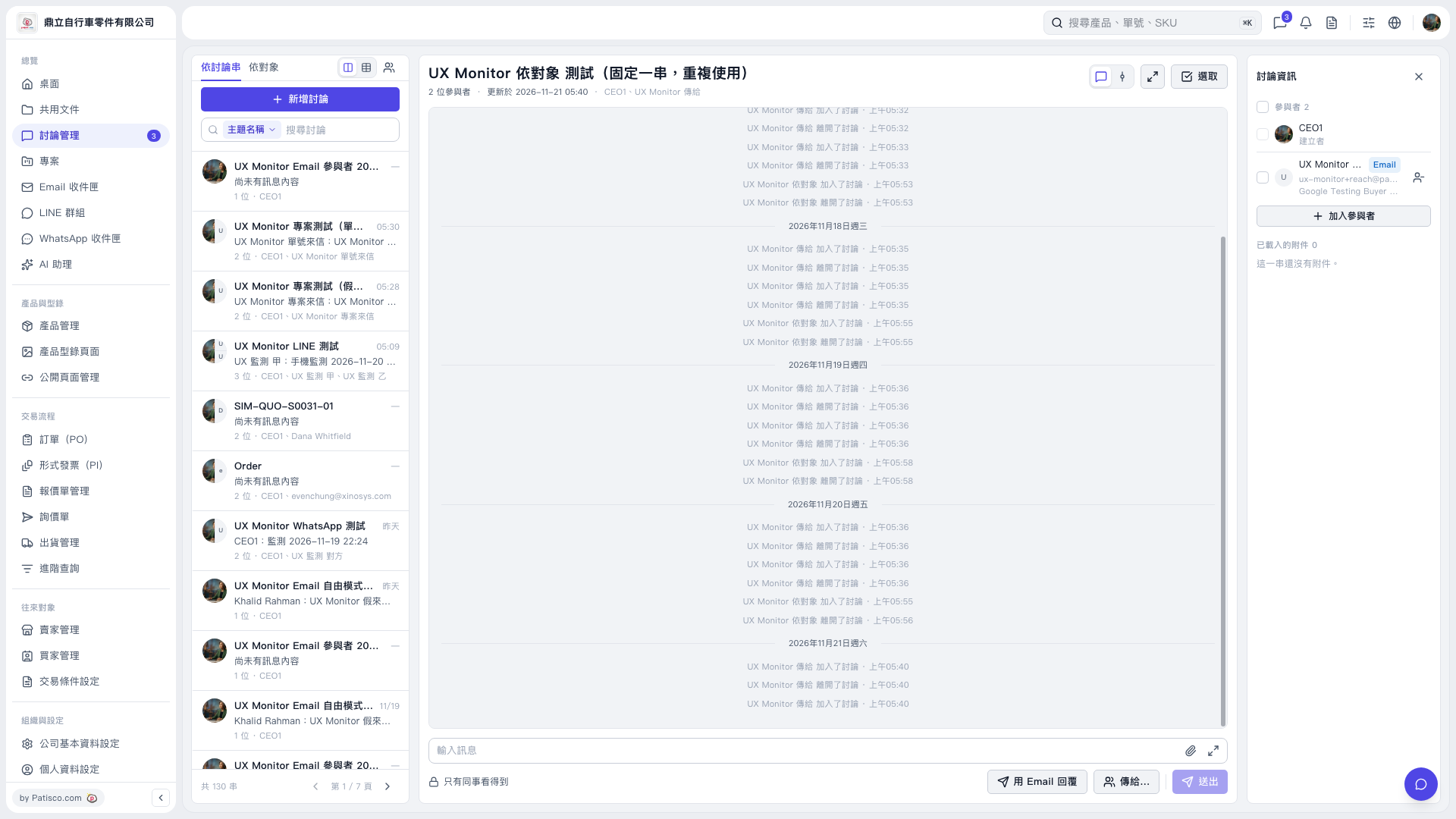 V5 新桌面版|UX Monitor 依對象 測試(固定一串,重複使用)