
1. Enter a topic keyword in "Search discussions" on the left, then click the thread you want to open. 2. Check the participants and attachments under "Discussion info" on the right. 3. Enter your message in "Enter a message" at the bottom, and check that the label next to it says only colleagues can see it. 4. To attach files, click the paperclip icon on the right side of the input field and add the files, then click "Send".
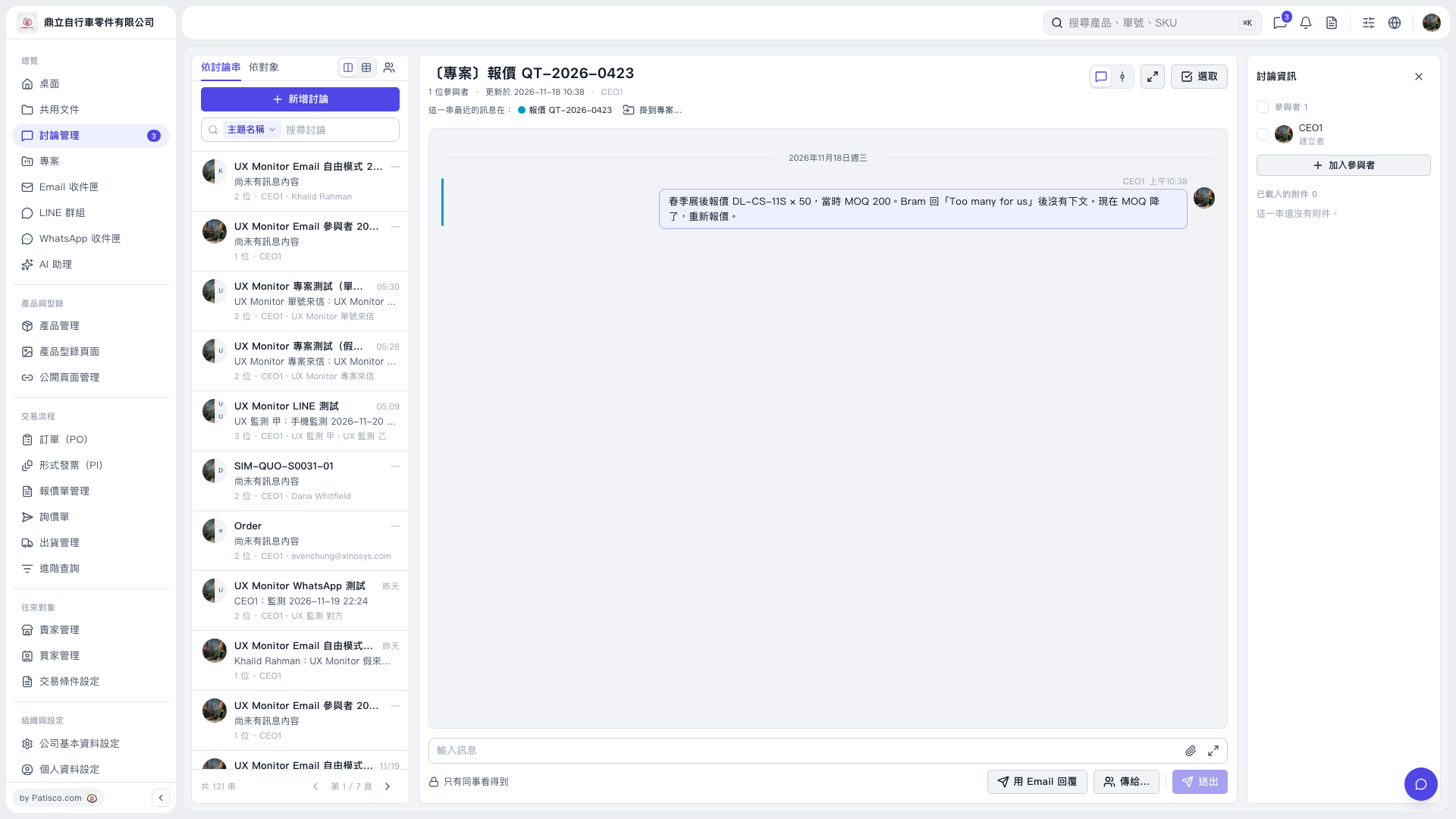 V5 新桌面版|〔專案〕報價 QT-2026-0423