
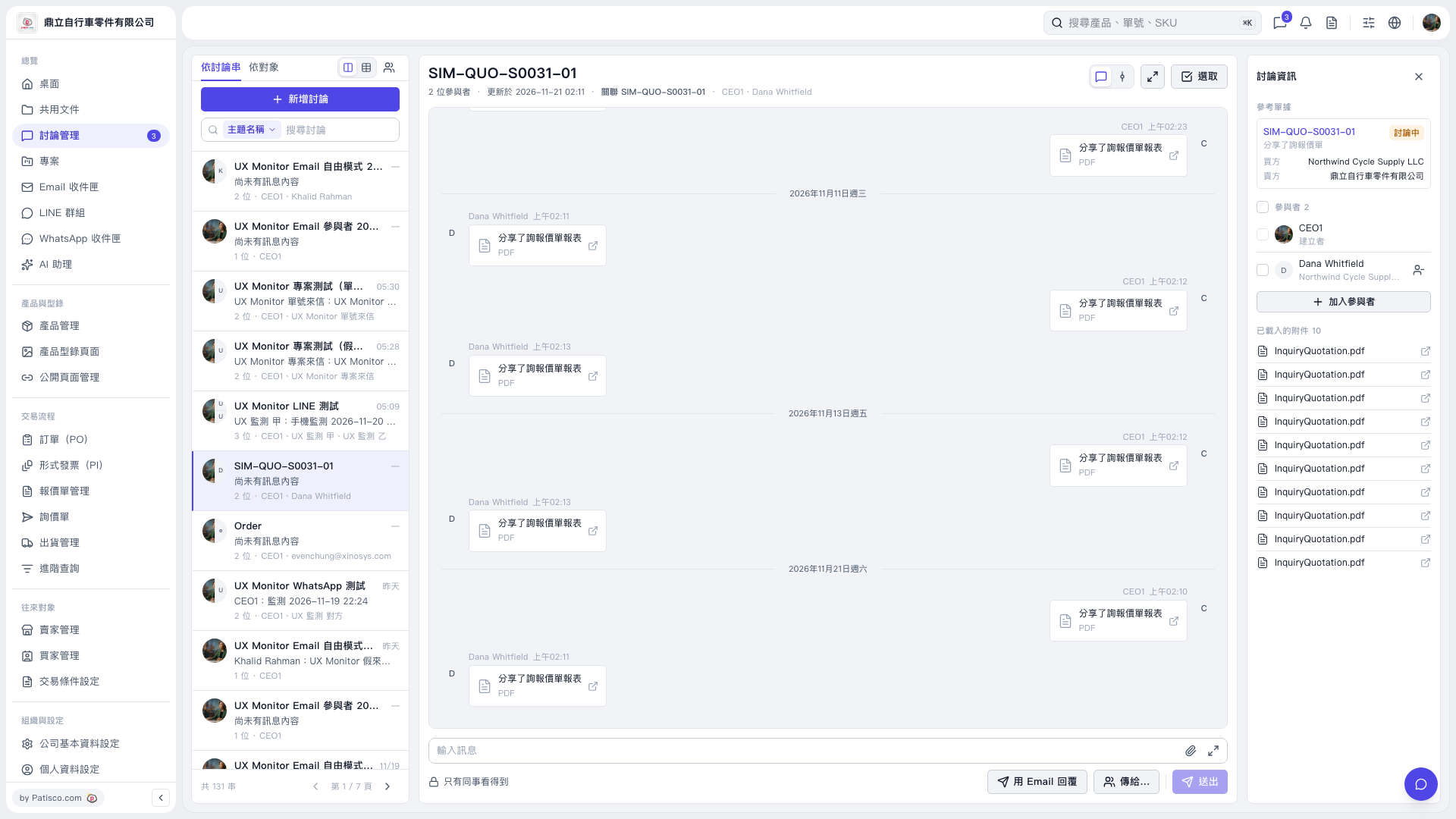
1. Select a discussion thread on the left, or use "Search discussions" to find a topic. 2. Click "Reply by email" below the message input area, then use "Send to..." to select recipients. 3. Pay attention to the notices about recipients and visibility. If a notice says the other company in the discussion can also see this email in Patisco, first check that the content is suitable for them to view. 4. Enter your reply, check the content and recipients, then click "Send".
 V5 新桌面版|SIM-QUO-S0031-01