
1. On the product details page, find the "Other variants of this product" section in the lower-right area. 2. Click the size or color labels to select the variants you want to view. You can select multiple options in the same row. 3. A dashed border indicates that no product matches the conditions you selected. 4. Click the button showing a count after "All variants" to expand and view the list of variants of the same product.
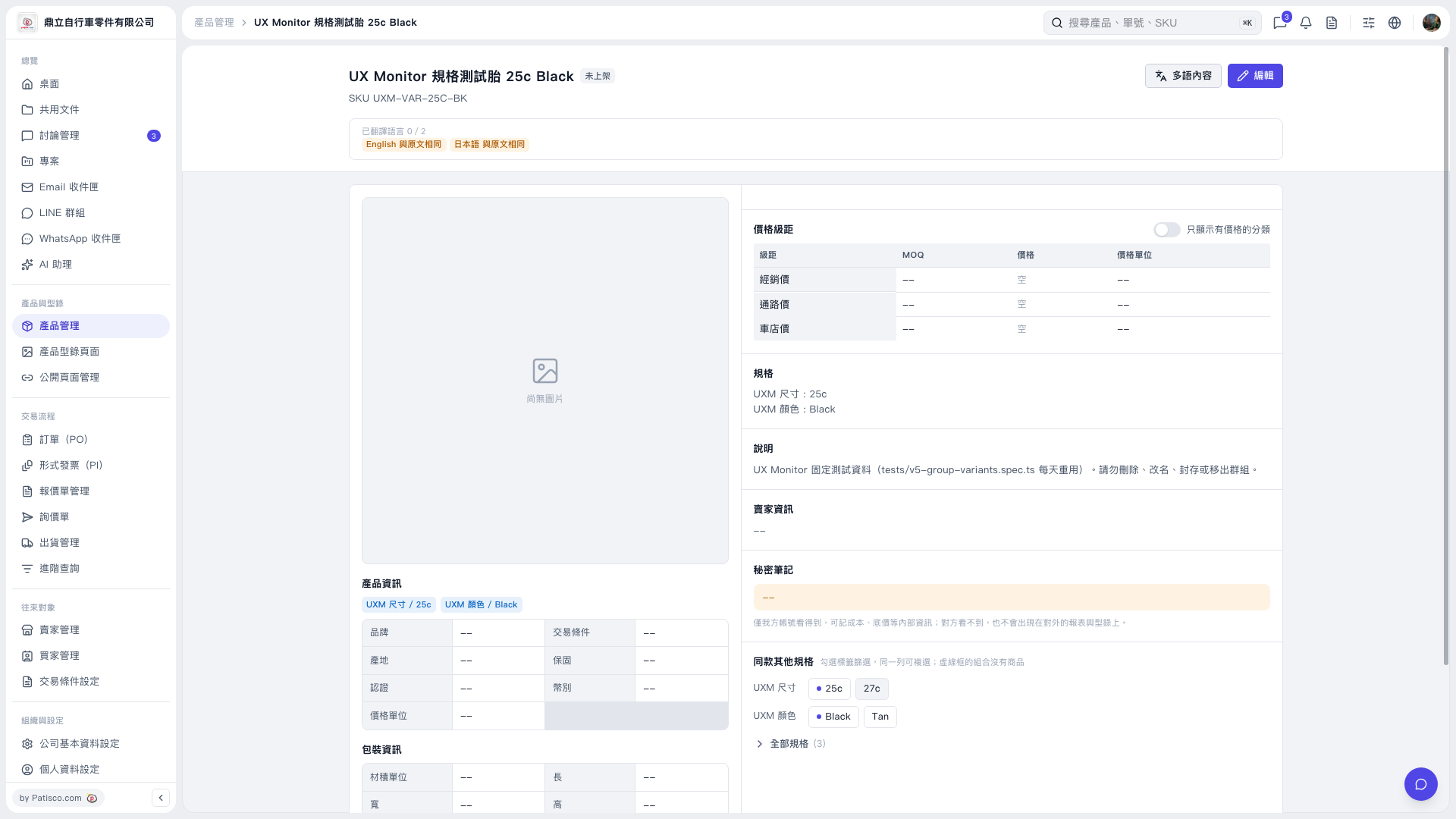 V5 新桌面版|UX Monitor 規格測試胎 25c Black