
1. On the "AI assistant" page, click "New Conversation" in the top left. 2. Enter your question or task in the message input box below, or click "Quick Actions" to choose common tasks. 3. When you need to provide files, click the paperclip icon on the right side of the input box to attach files. 4. Press Enter or click "Send" to submit your message; to create a new line, press Shift + Enter. 5. If the task involves writing data, confirm with the AI assistant prompt before proceeding.
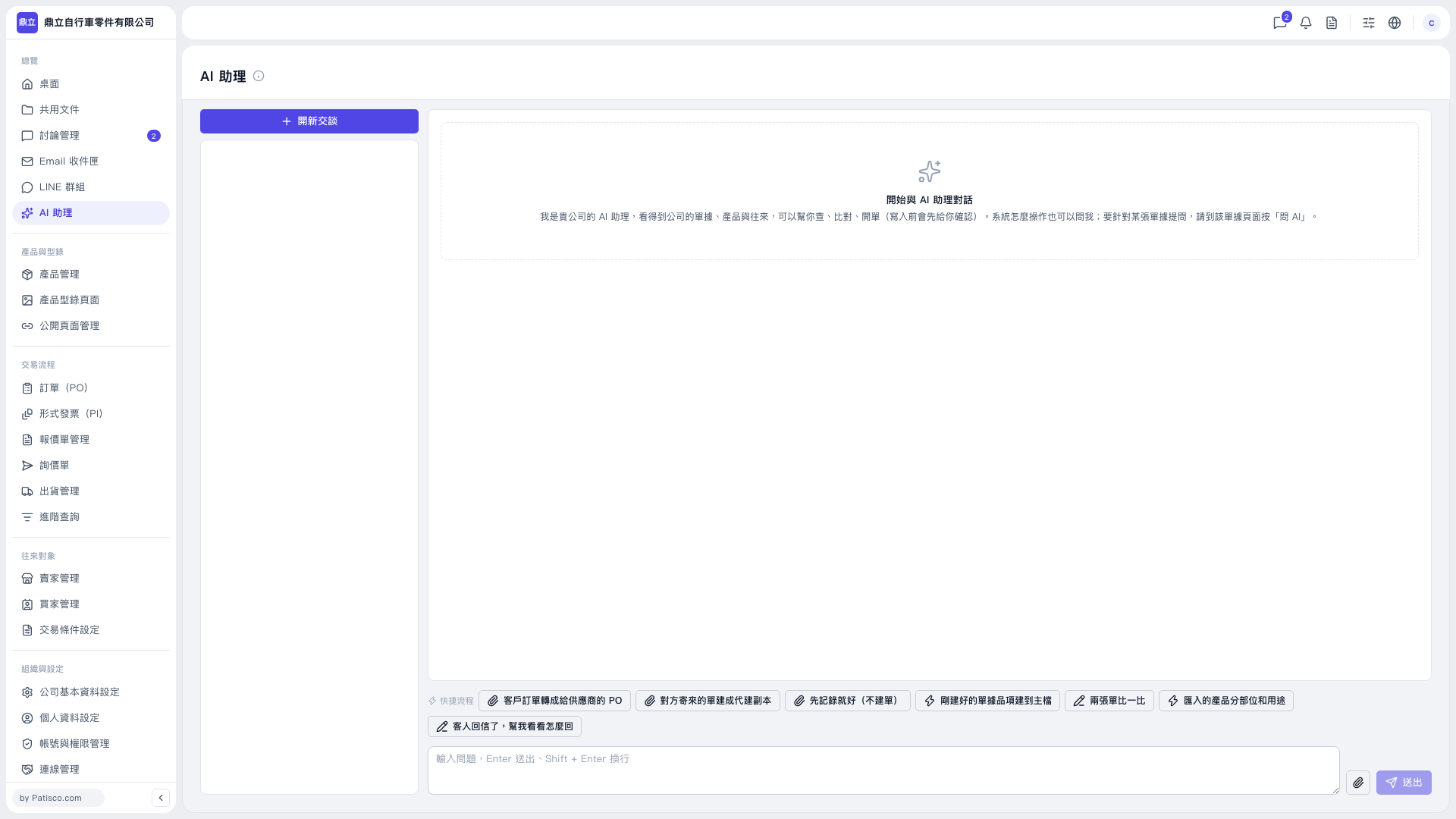 V5 新桌面版|AI 助理