
1. Click "AI Assistant" under "Integrations & Payments" in the left menu. 2. Under "AI Provider", select a provider, choose the corresponding model, and enter your "API Key". 3. Click [Update Settings] to save and enable the configuration. The provider and model must be saved together for the settings to take effect.
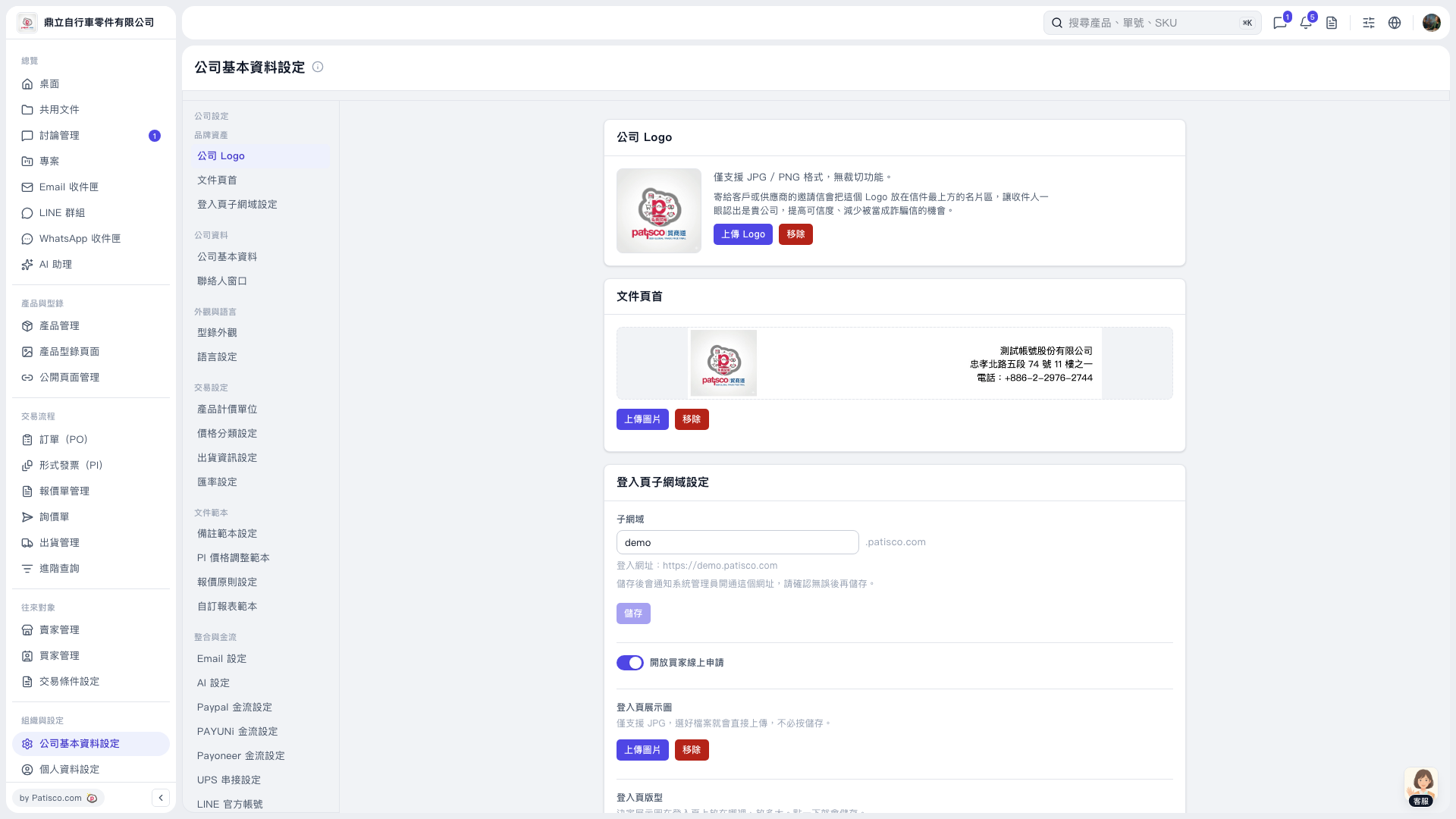 V5 新桌面版|公司基本資料設定