
1. Open the Proforma Invoice details and verify the invoice number, buyer, amount, and Trading Condition Setting at the top. 2. Click "Buyer Management", "Shipping Information", or "General PO Information" to view the corresponding content; to make changes, click "Edit" in the upper right corner. 3. Go to "Line Items" to verify product specifications, unit price, and quantity; to add products, use "Add Item" or "New Item". 4. If you need to compare changes, click "Diff View" in the upper right corner.
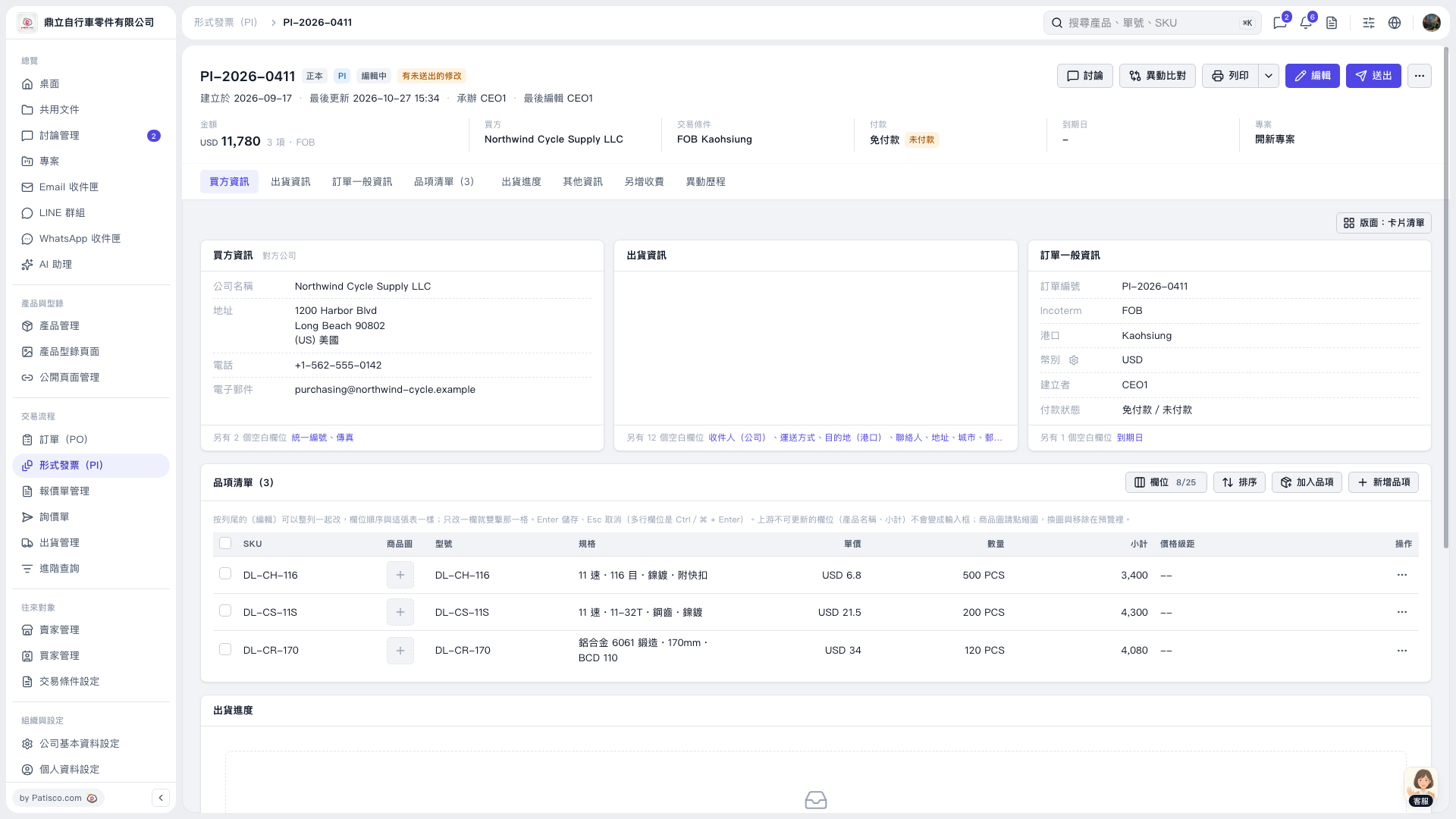 V5 新桌面版|形式發票(PI)詳情:PI–2026–0411