
1. Type your question or request in the message input box. 2. When you need to provide files, click the paperclip icon on the right side of the input box to add attachments. 3. Click "Send" or press Enter to send the message; to create a new line, press Shift + Enter. 4. After receiving the AI's reply, you can continue to provide additional information or ask follow-up questions in the same conversation.
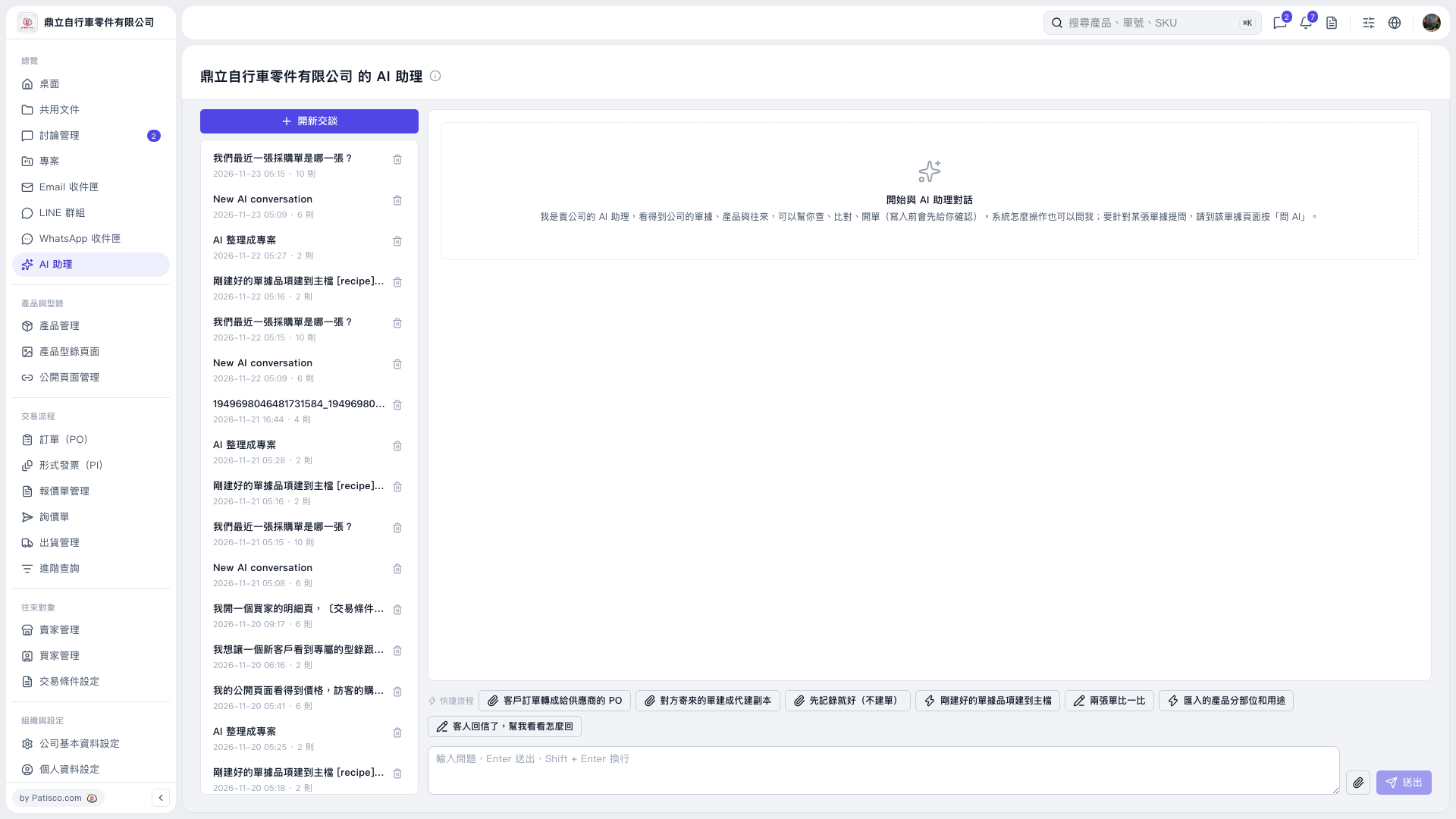 V5 新桌面版|鼎立自行車零件有限公司 的 AI 助理