
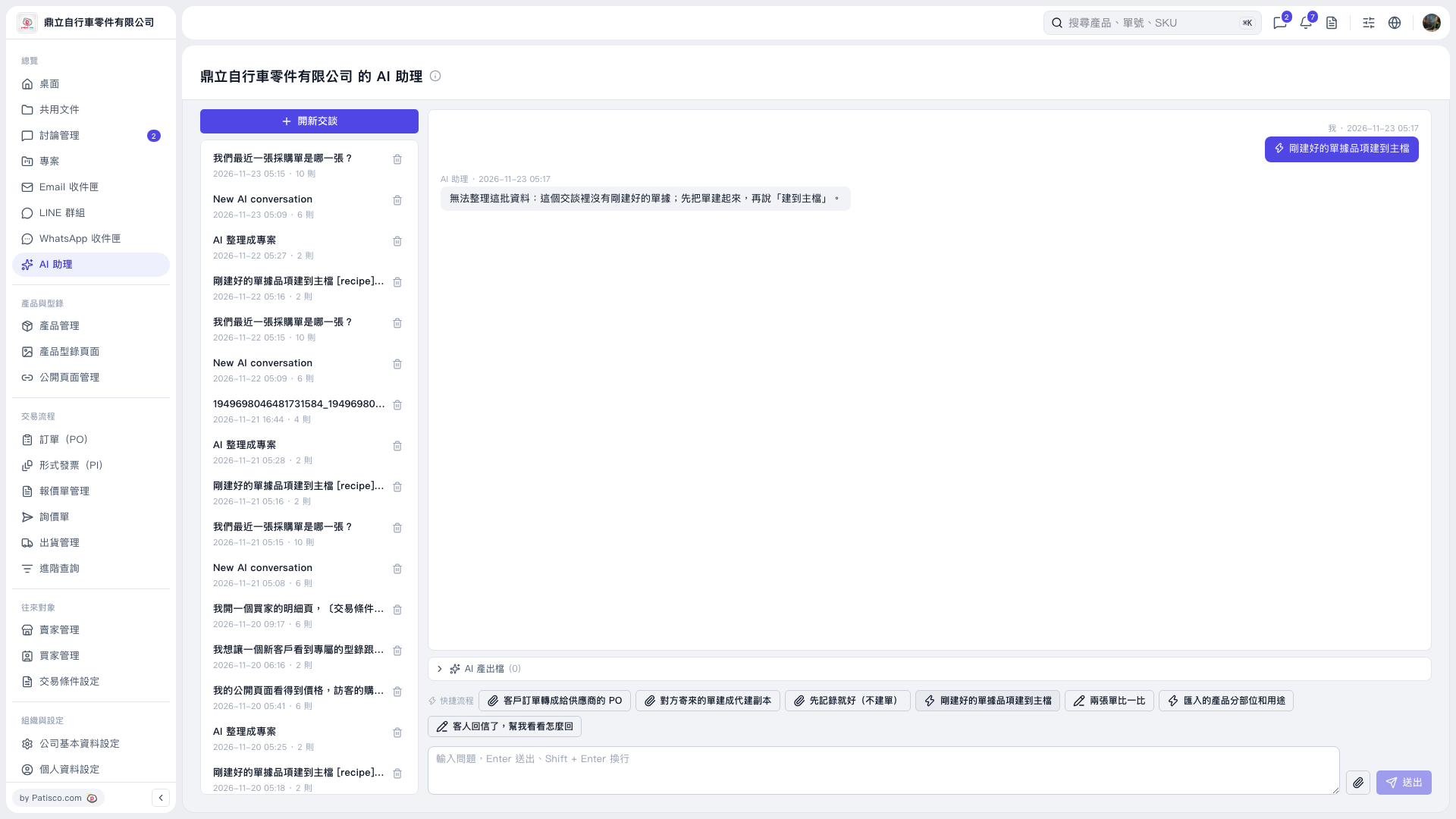
1. In the "Chat History" on the left side of the AI assistant, select a chat where you have already created a document. 2. Click "Build the document line items just created into the master file" below the conversation area. 3. Review the AI's response and follow the prompts to supplement data or continue. When additional information is needed, type in the message input box and press Enter or click "Send"; press Shift + Enter to create a new line. 4. You can ask: "Build the document line items just created into the master file." If this chat does not have any newly created documents, the AI will respond: "There are no newly created documents in this chat; create the document first, then ask to 'build into the master file'." Please complete document creation in that chat first, then make your request.
 V5 新桌面版|鼎立自行車零件有限公司 的 AI 助理