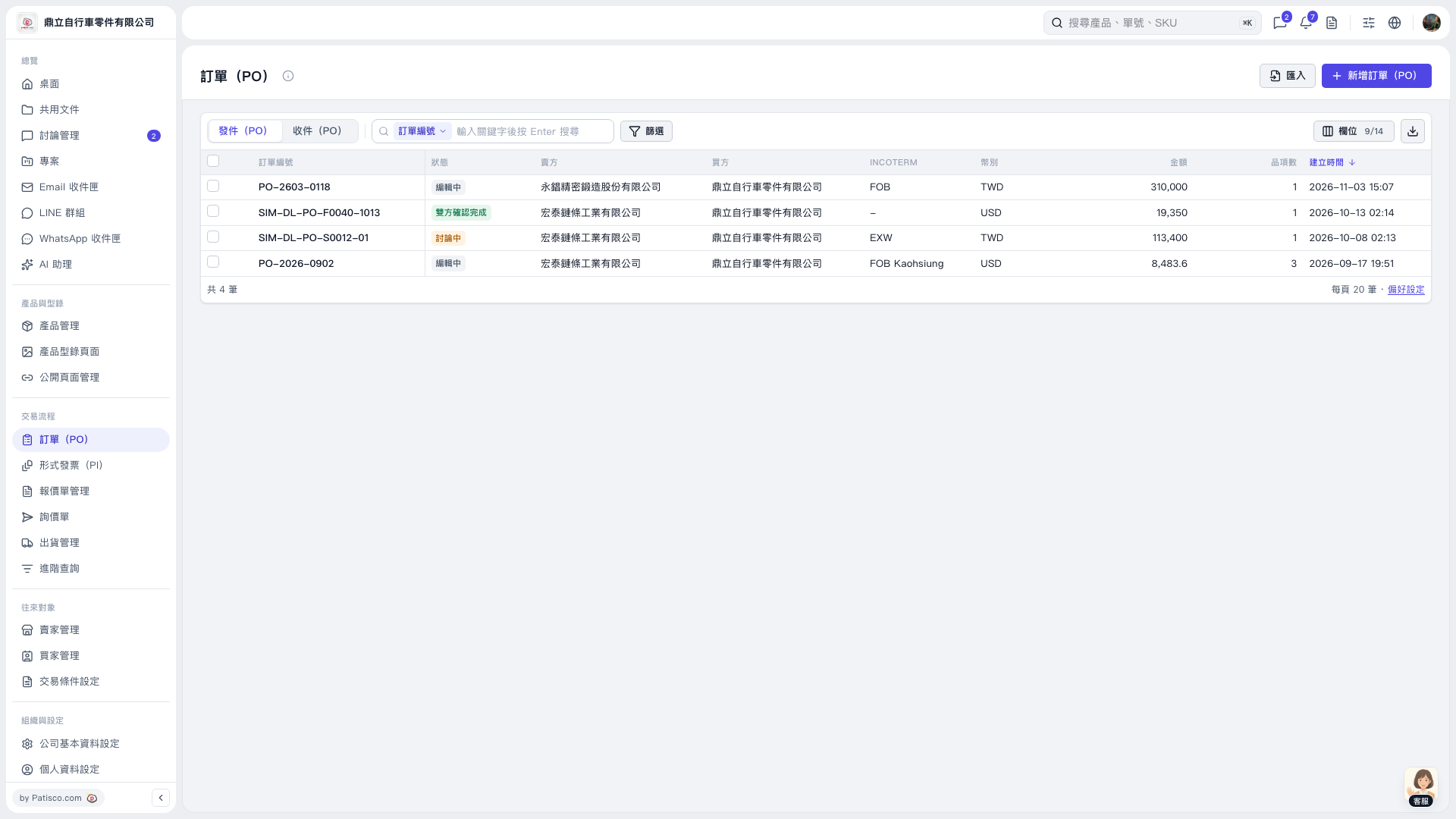
1. On the "PO" page, find the left-pointing arrow icon on the right side of the bottom of the left navigation bar. 2. Click the left-pointing arrow to collapse the left navigation bar.
 V5 新桌面版|訂單(PO)

1. On the "PO" page, find the left-pointing arrow icon on the right side of the bottom of the left navigation bar. 2. Click the left-pointing arrow to collapse the left navigation bar.
V5 新桌面版|訂單(PO)