
1. On the left side of catalog settings, click "Billboard" to view or adjust billboard settings. 2. In the preview on the right side, view the banner and click the rotation indicator dots at the bottom to switch between billboard items and check the switching effect. 3. To enlarge the view, click "Full Screen" in the top right corner of the preview area. 4. After confirming the content, click "Upload Changes" in the top right corner so buyers and visitors can see the latest content.
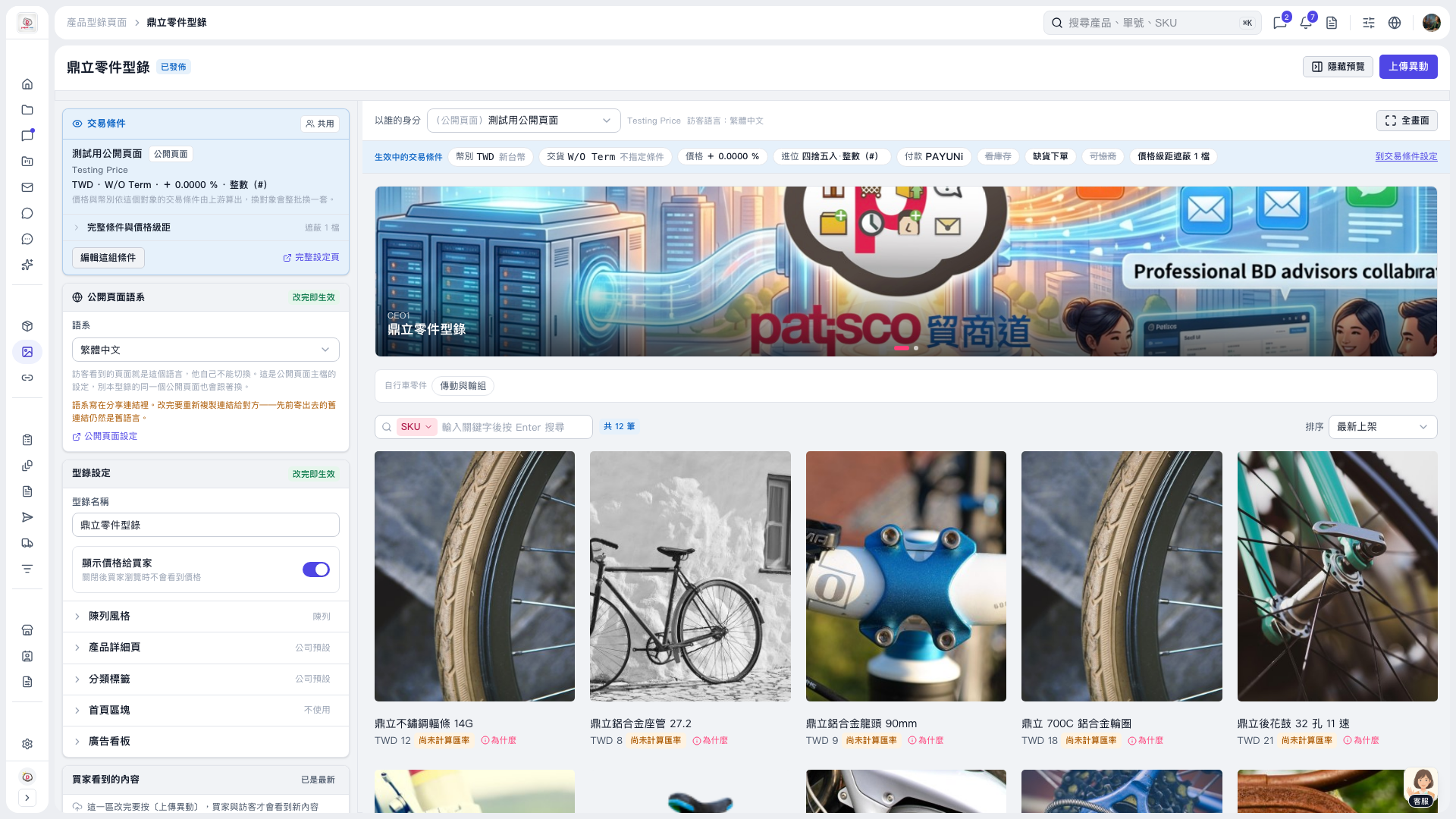 V5 新桌面版|鼎立零件型錄