
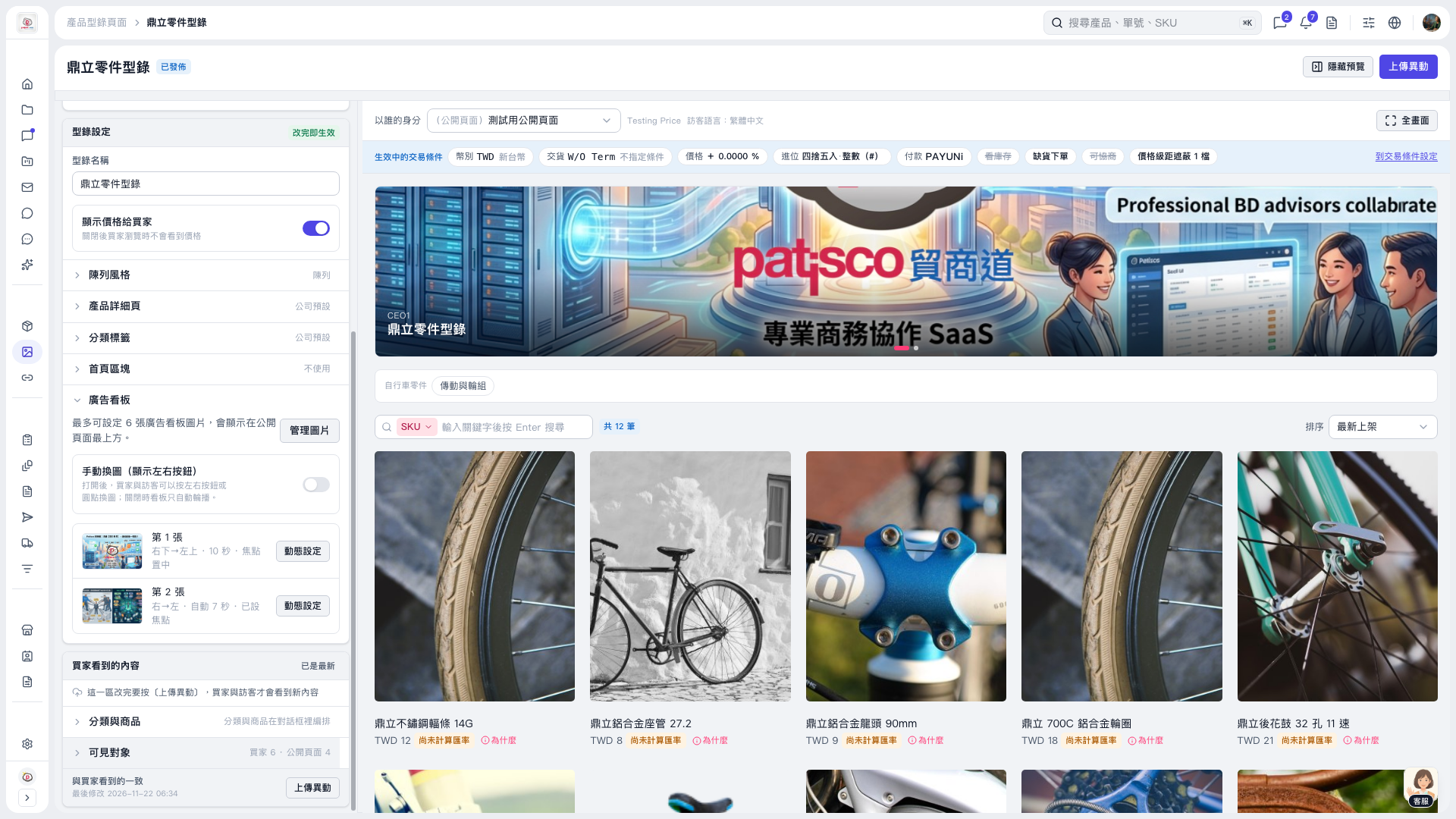
1. On the left side of the catalog editing page, find "Billboard"; when you need to add or adjust images, click "Manage Images". 2. Enable "Manual Image Switch (Show Left/Right Buttons)" to let buyers and visitors switch billboard images using left/right buttons or dots. When disabled, only automatic rotation occurs and dots serve as indicators only and cannot be clicked. 3. In the preview area on the right side, check how the billboard appears and confirm the switching effect. 4. Click "Upload Changes" so buyers and visitors can see the updated settings.
 V5 新桌面版|鼎立零件型錄