
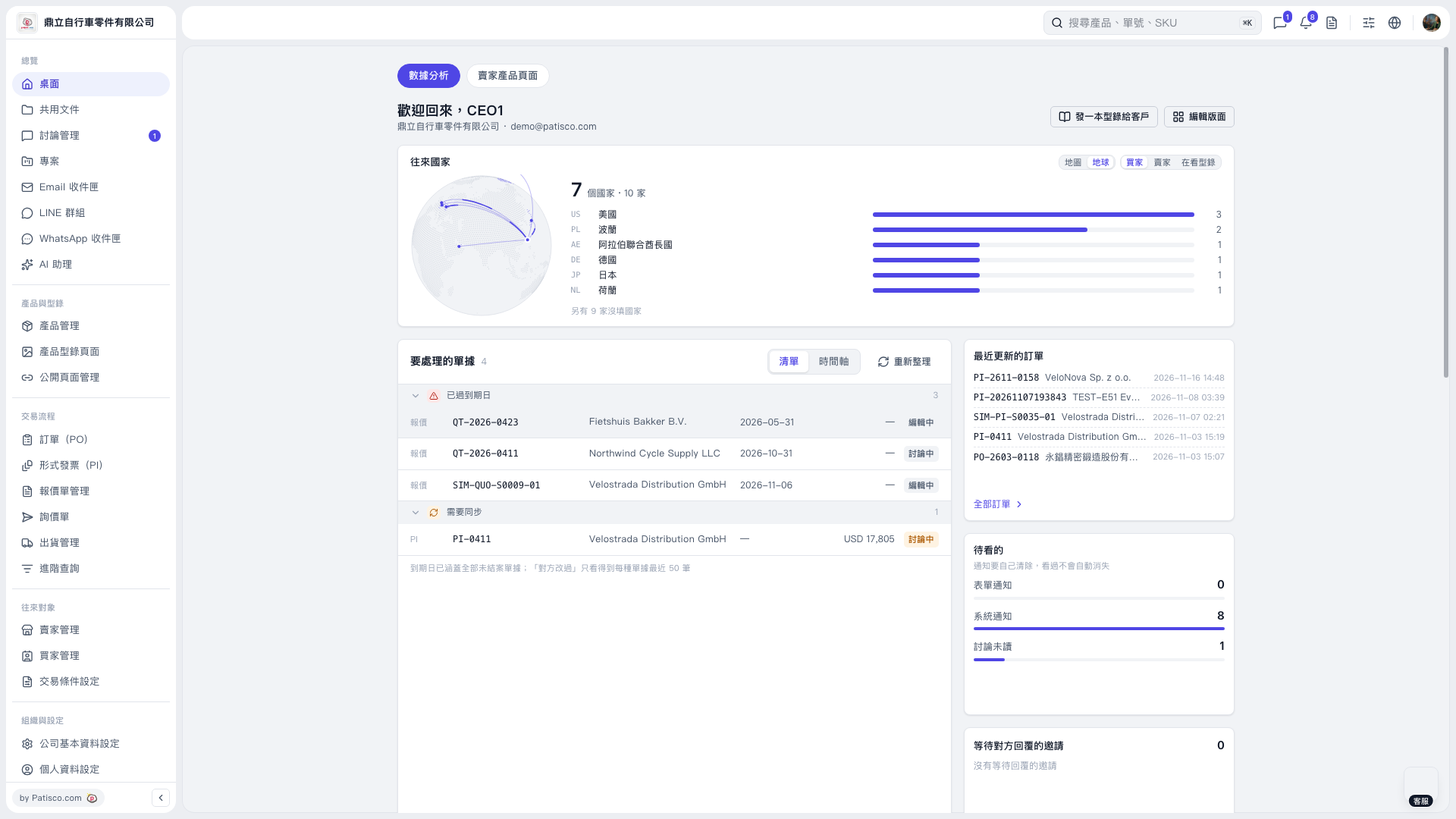
1. Select “Desktop” on the left and open the “Data Analysis” tab. 2. In the “Documents to Process” section, check the documents under “Past Due” and “Need Synchronization”. 3. Verify the information using “Document No.” and “Trading Partner”, then check “Due Date”, “Amount”, and “Document Status”. 4. Switch between “List” and “Timeline” views as needed, and click “Refresh” to update the data. 5. To view other POs, click “All POs” in the “Recently Updated POs” section.
 V5 新桌面版|桌面-數據分析