
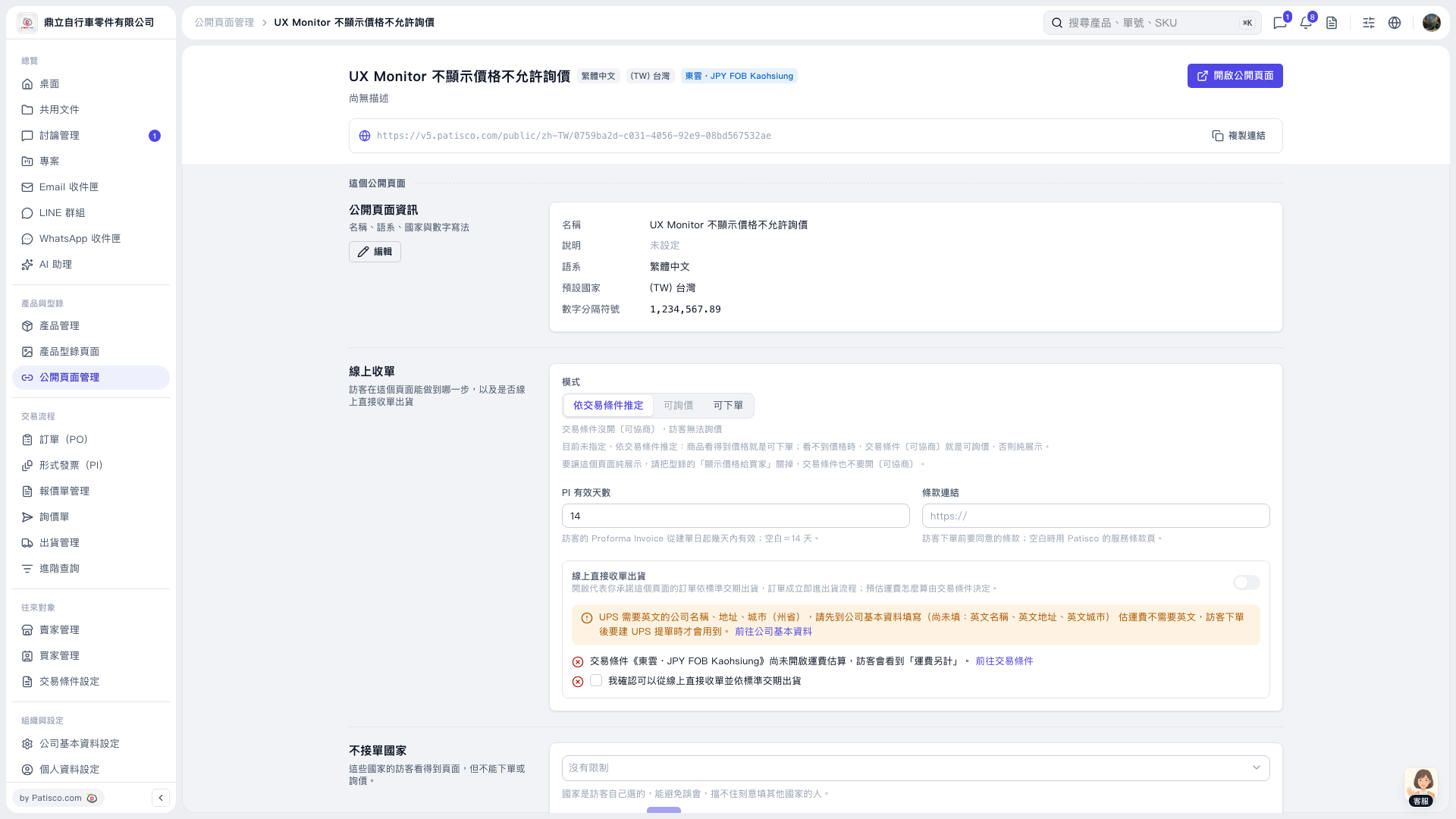
1. In the [Online Ordering] section of the public page, if [Allow Inquiries] is disabled and a message says that visitors cannot send inquiries because [Negotiable] is not enabled in the trading conditions, first click [Go to Trading Condition Setting]. 2. Enable [Negotiable] in the trading conditions used by this public page. 3. Return to the [Online Ordering] section of the public page and select [Allow Inquiries]. If you use [Determine Based on Trading Conditions], [Negotiable] must also be enabled in the trading conditions for visitors to send inquiries when they cannot see prices. 4. Click [Open Public Page] at the top right to check the page visitors see and the inquiry process.
 V5 新桌面版|UX Monitor 不顯示價格不允許詢價