
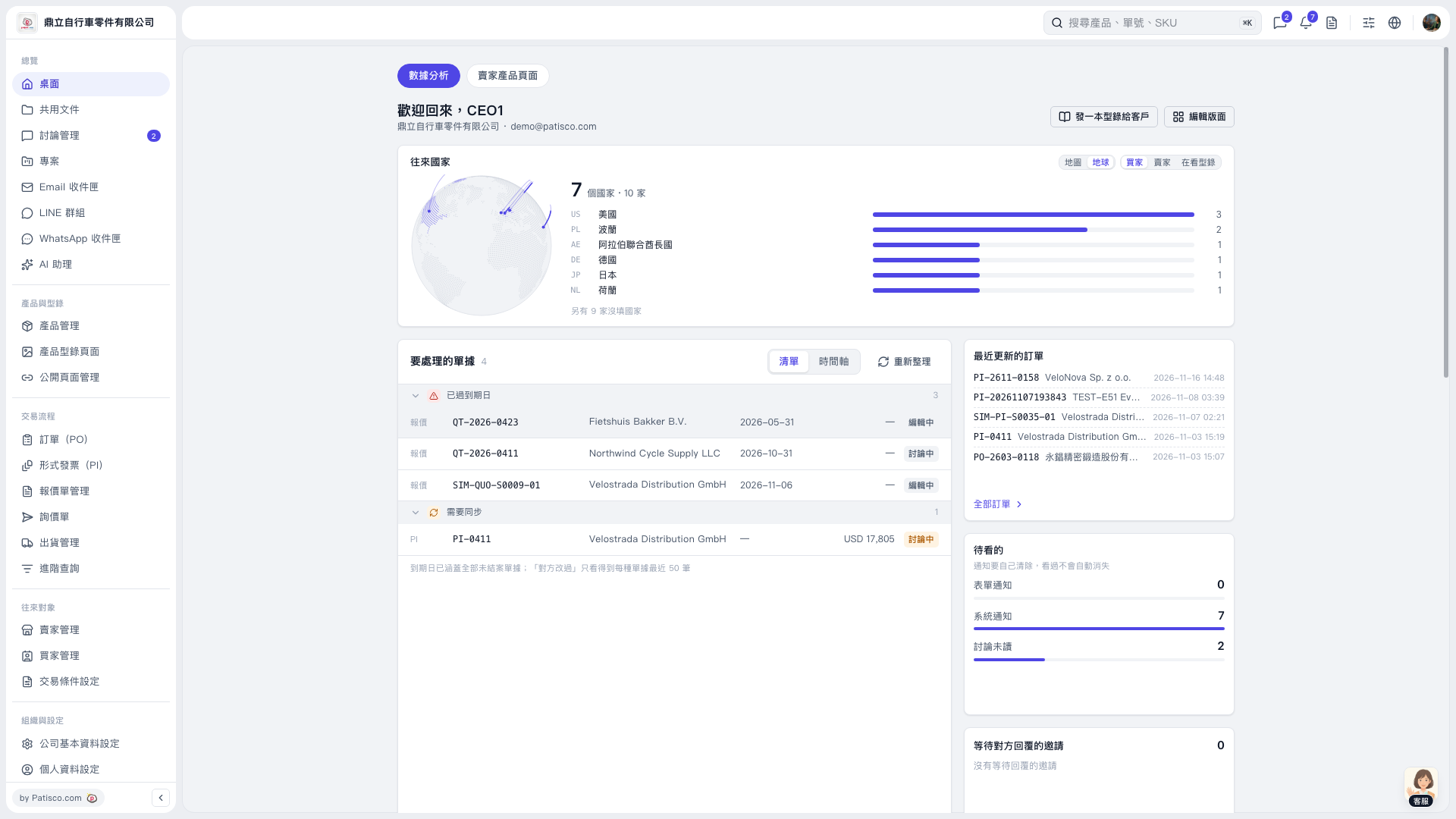
1. In the "Documents to Process" section on the "Dashboard/Data Analytics" page, view the "Overdue" and "Need Sync" groups. 2. Find the document by order number, trading company, date, and status, then click to view the content. 3. You can switch between "List" and "Timeline" views or click "Refresh" to update the data. 4. To find other orders, click "All Orders" in the "Recently Updated Orders" section.
 V5 新桌面版|桌面/數據分析