
1. Open the packing list you want to process and use the left side chapter navigation to review "Shipping Information", "Receiver Information", "Related PI Orders", and "Shipped Items". 2. If you need to modify data, click "Edit" in the top right corner. If you need to view related reports, click "Reports" or the dropdown arrow next to it. 3. After confirming the shipment data is complete and the actual shipment has been completed, click "Shipment Complete" in the top right corner to mark this shipment as complete.
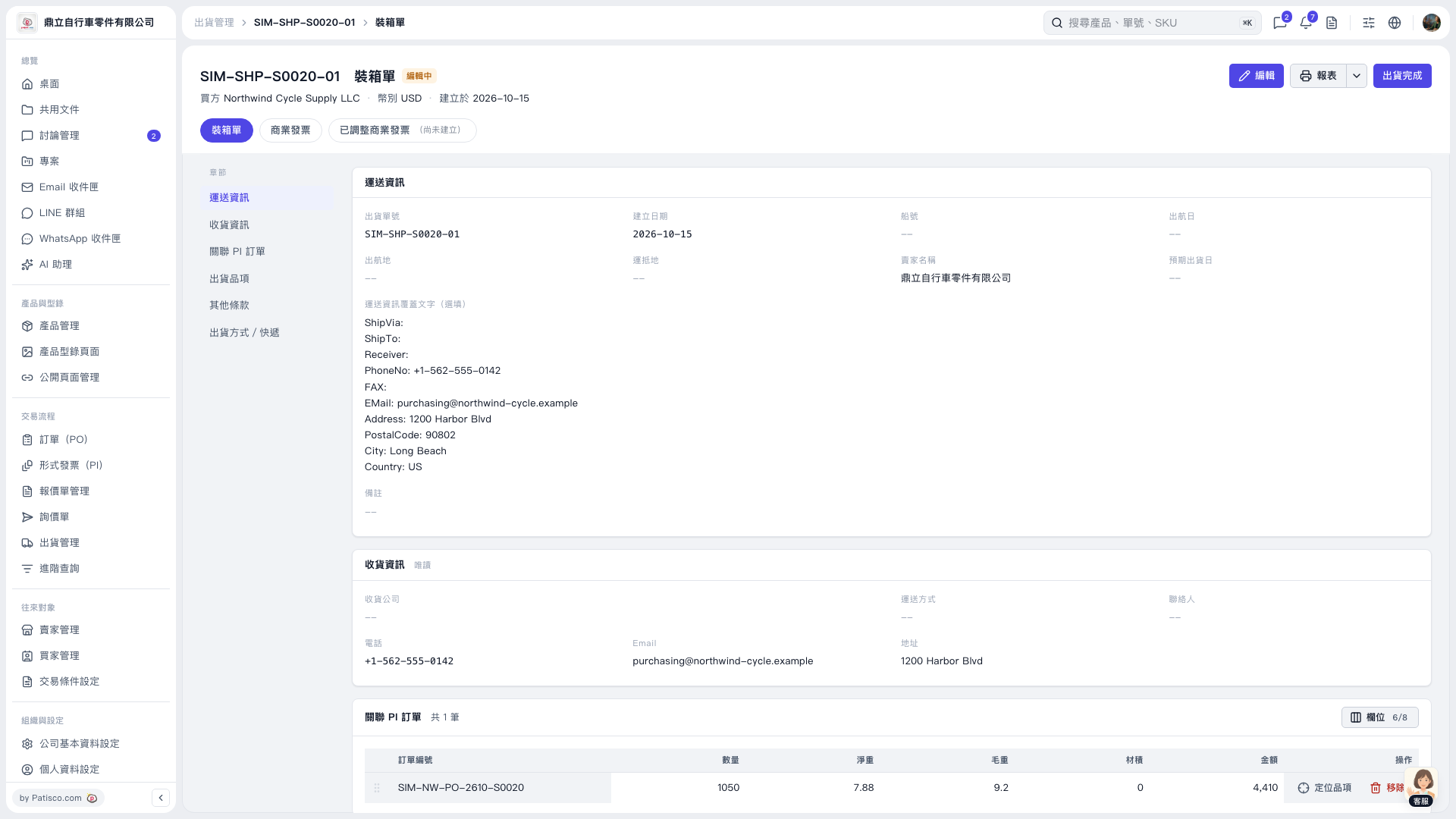 V5 新桌面版|SIM–SHP–S0020–01 裝箱單