1. In the "Company Process" section of the project, confirm the current stage you want to complete. 2. Click "Mark as Done Without Waiting" to manually mark the current stage as complete.
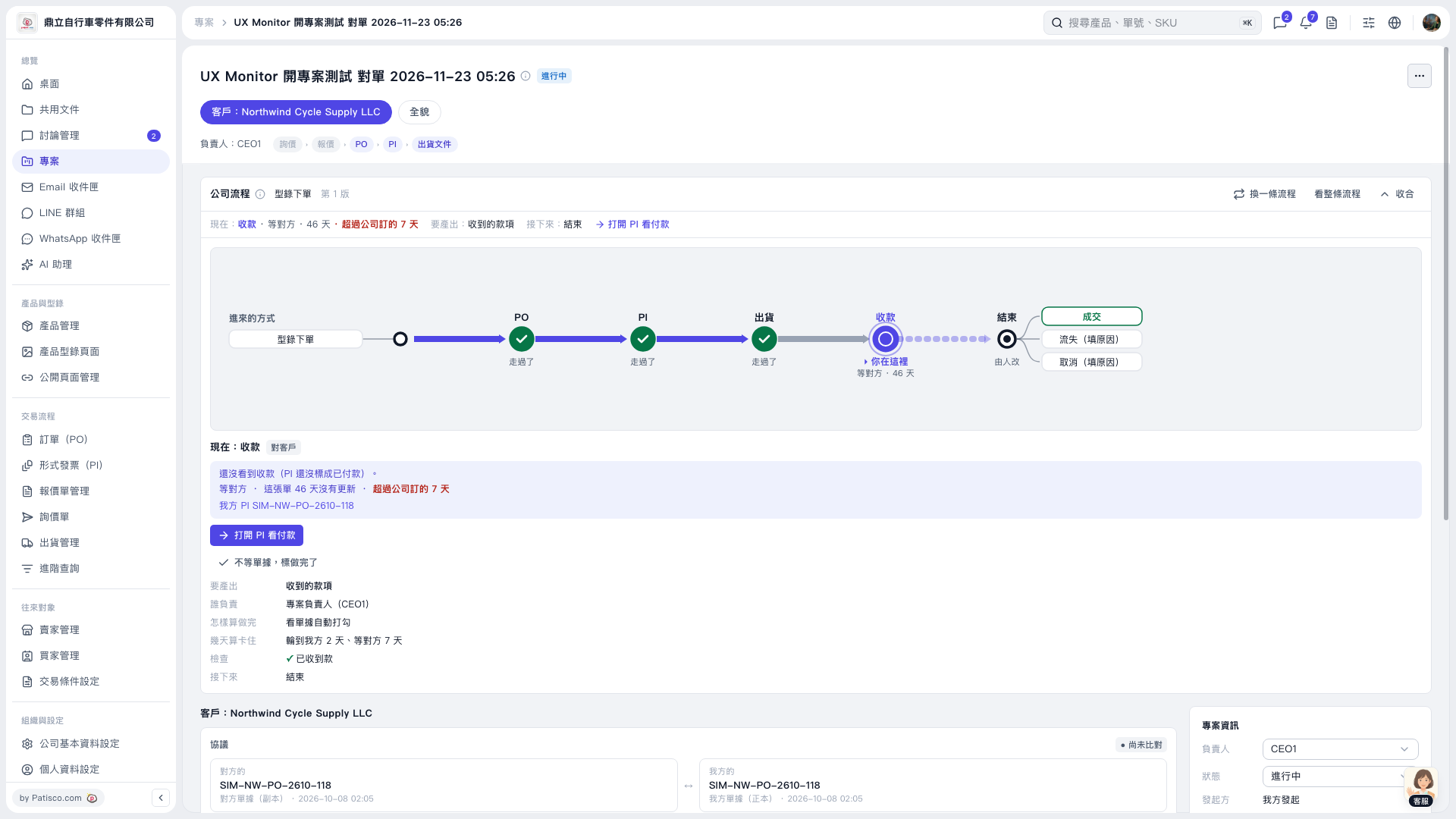 V5 新桌面版|UX Monitor 開專案測試 對單 2026–11–23 05:26

1. In the "Company Process" section of the project, confirm the current stage you want to complete. 2. Click "Mark as Done Without Waiting" to manually mark the current stage as complete.
V5 新桌面版|UX Monitor 開專案測試 對單 2026–11–23 05:26