
1. Go to the project page and confirm the customer is the buyer you want; when adjustments are needed, you can modify the "Assigned To" and "Status" on the right side of the project information. 2. Click "Apply Process" at the top to set the company process for the project and view the current stage and subsequent work reminders. 3. To link existing documents, click "Link to Previous Document." 4. To add other trading parties, click "Add Party" in the parties section on the right.
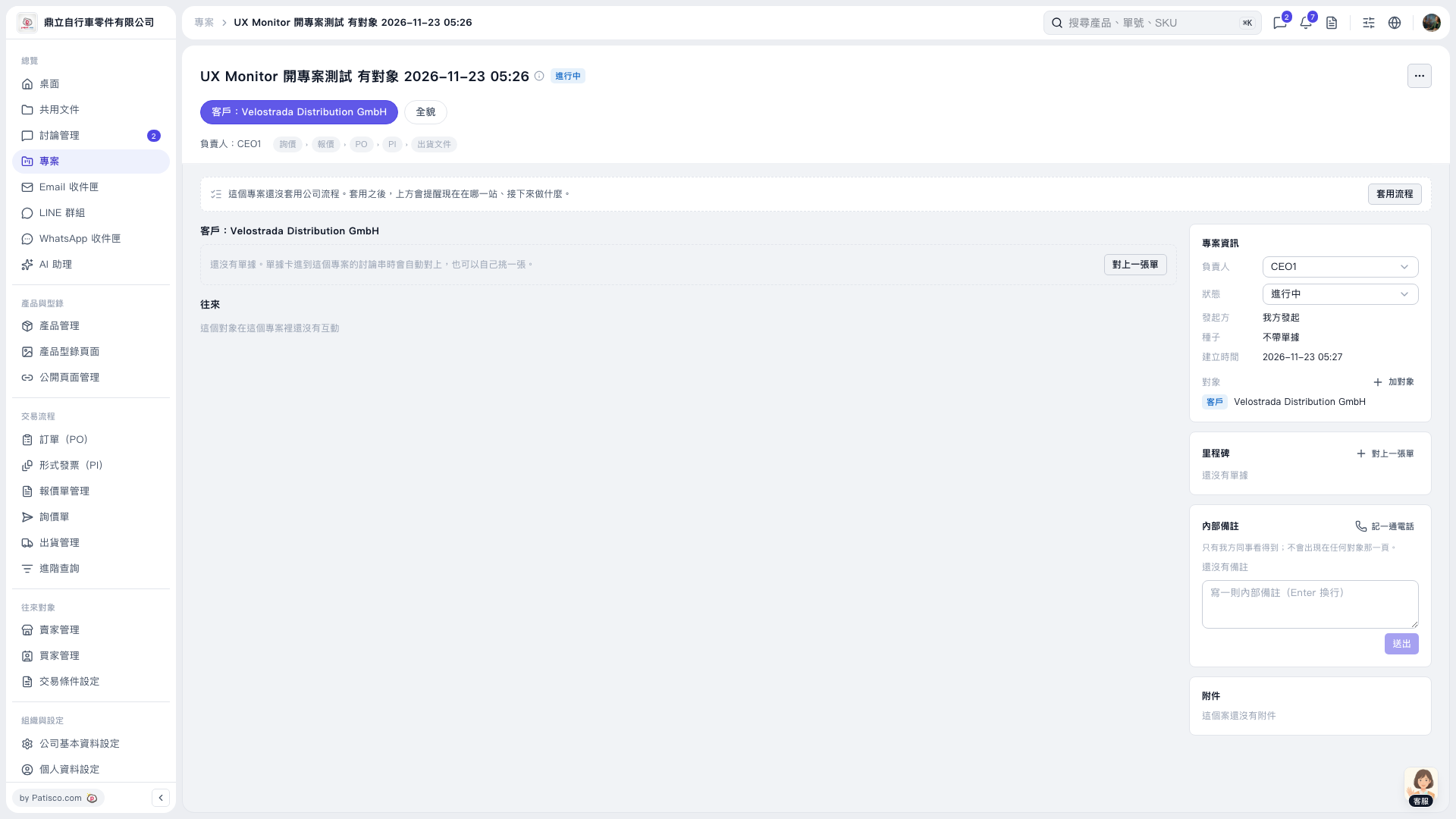 V5 新桌面版|UX Monitor 開專案測試 有對象 2026–11–23 05:26