
1. Open the project details and check the email content and attachments in the "Interactions" section to confirm the document data you want to link. 2. Click "Link to Previous Document" on the right side of the customer section or on the "Milestone" card to start the document linking operation.
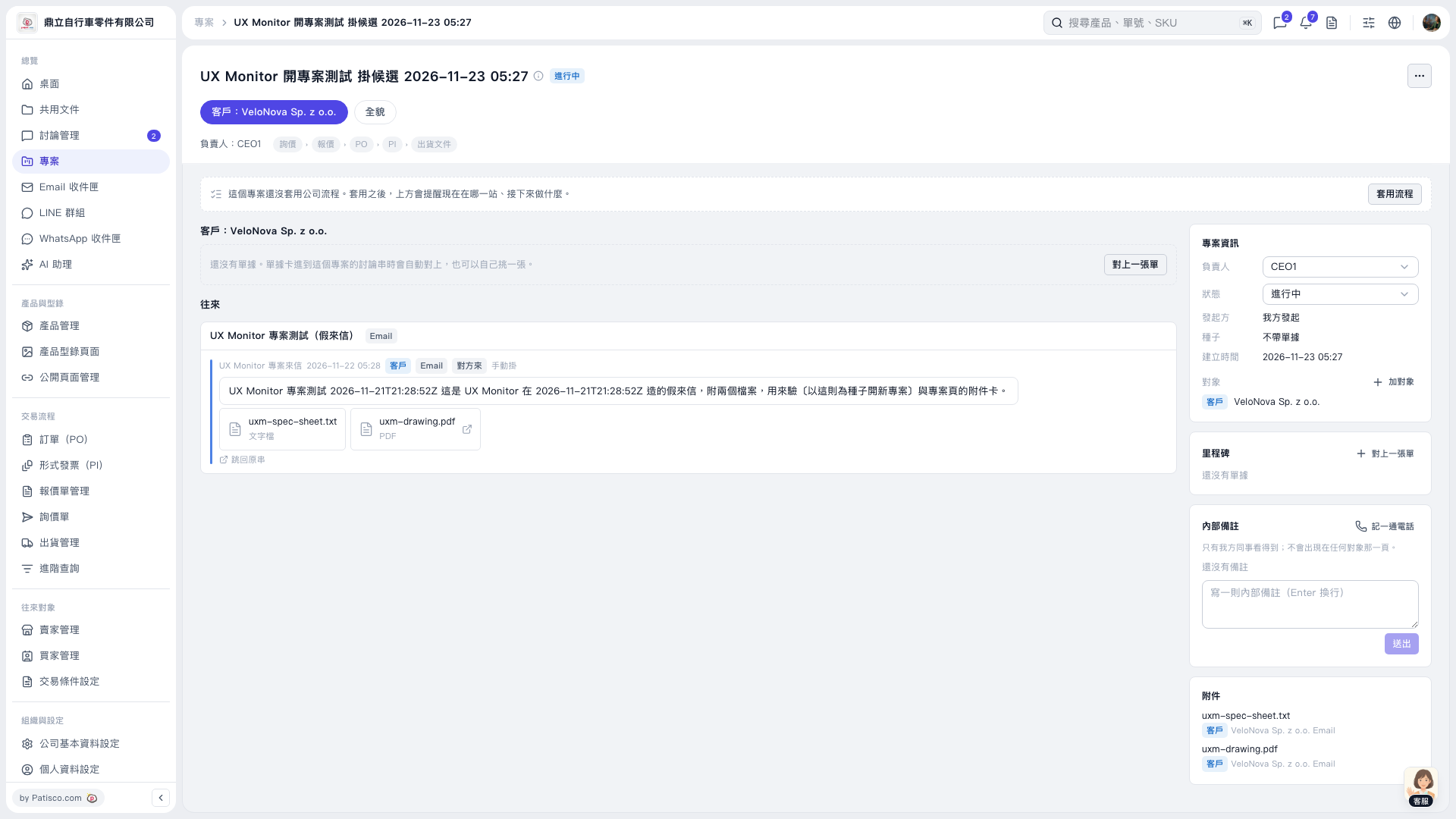 V5 新桌面版|UX Monitor 開專案測試 掛候選 2026–11–23 05:27