
1. Enter the progress in "Internal Notes" on the right, then click "Submit". Internal notes are visible only to colleagues in your company. 2. To change the assignee, use the "Assignee" drop-down menu on the right. 3. Use the "Status" drop-down menu to update the project status based on the actual progress. 4. If you need guidance on your company's workflow, click "Apply Workflow" at the top so the system can show the current stage and upcoming tasks.
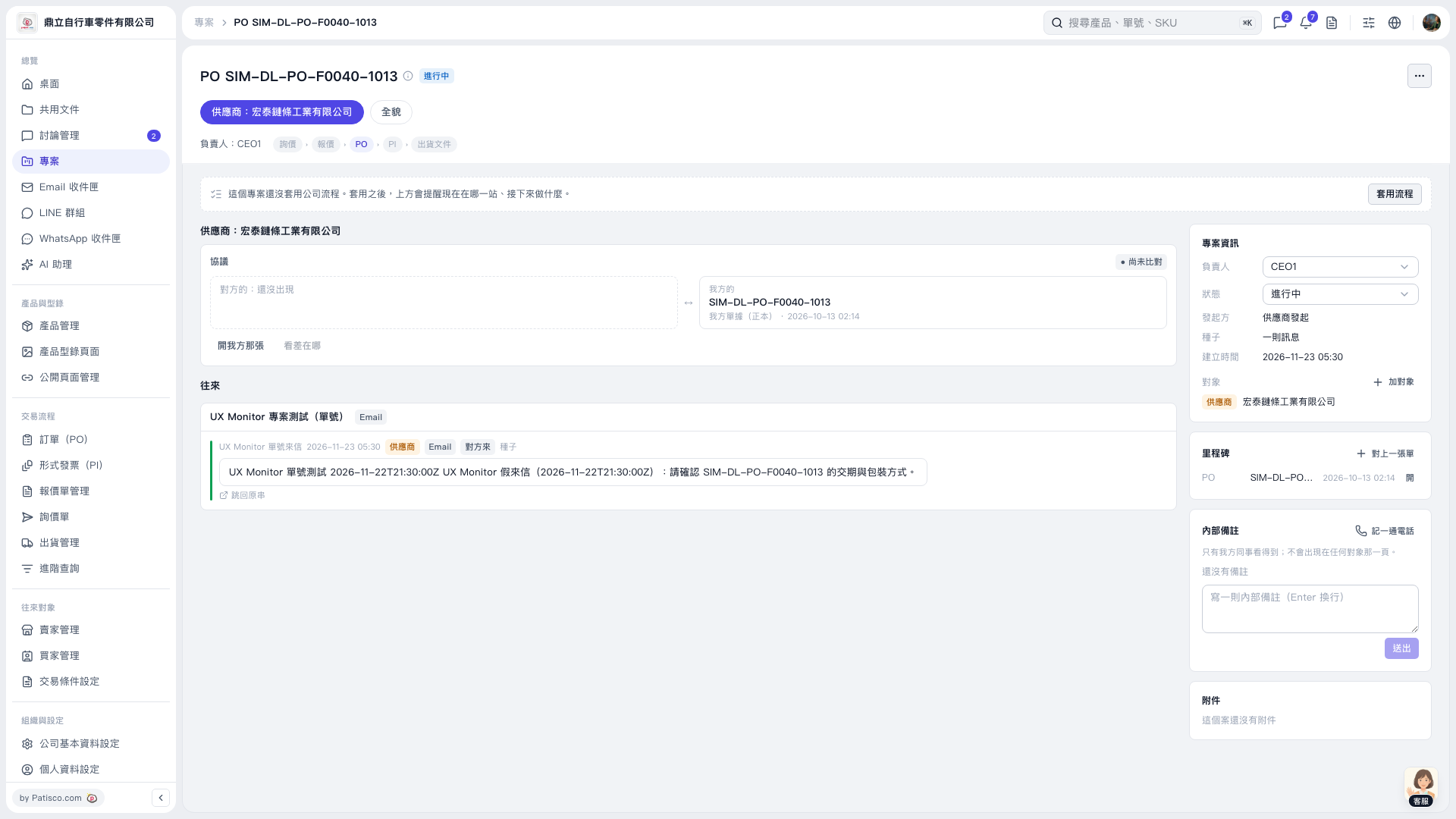 V5 新桌面版|PO SIM–DL–PO–F0040–1013