
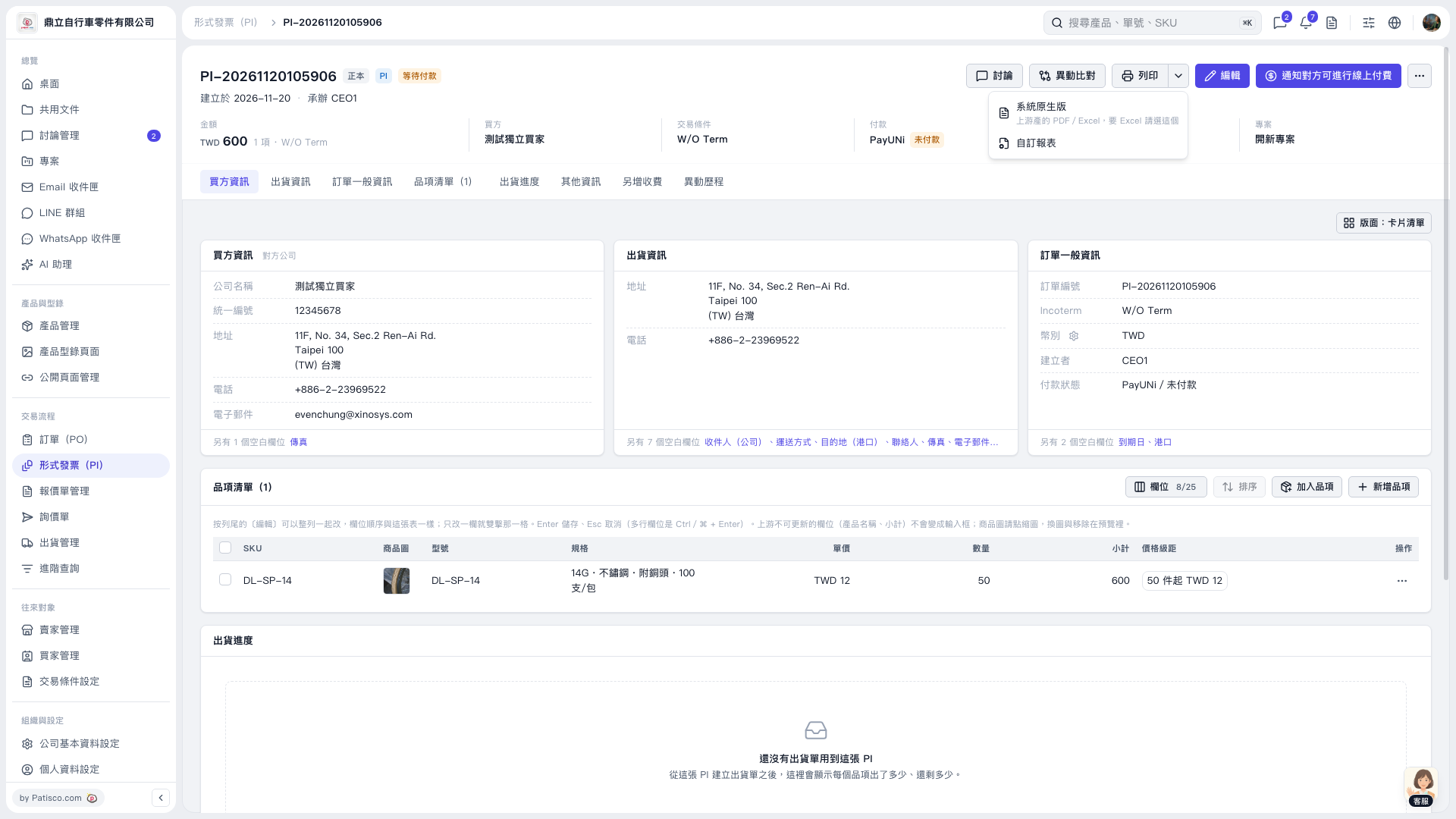
1. Open the Proforma Invoice you want to print and check the buyer and item details. 2. Click the drop-down arrow next to [Print] in the upper-right corner to open the print menu. 3. Select [System Default] or [Custom Report]. [System Default] provides PDF and Excel options. 4. Select the report format you need on the following screens to complete printing.
 V5 新桌面版|PI–20261120105906