
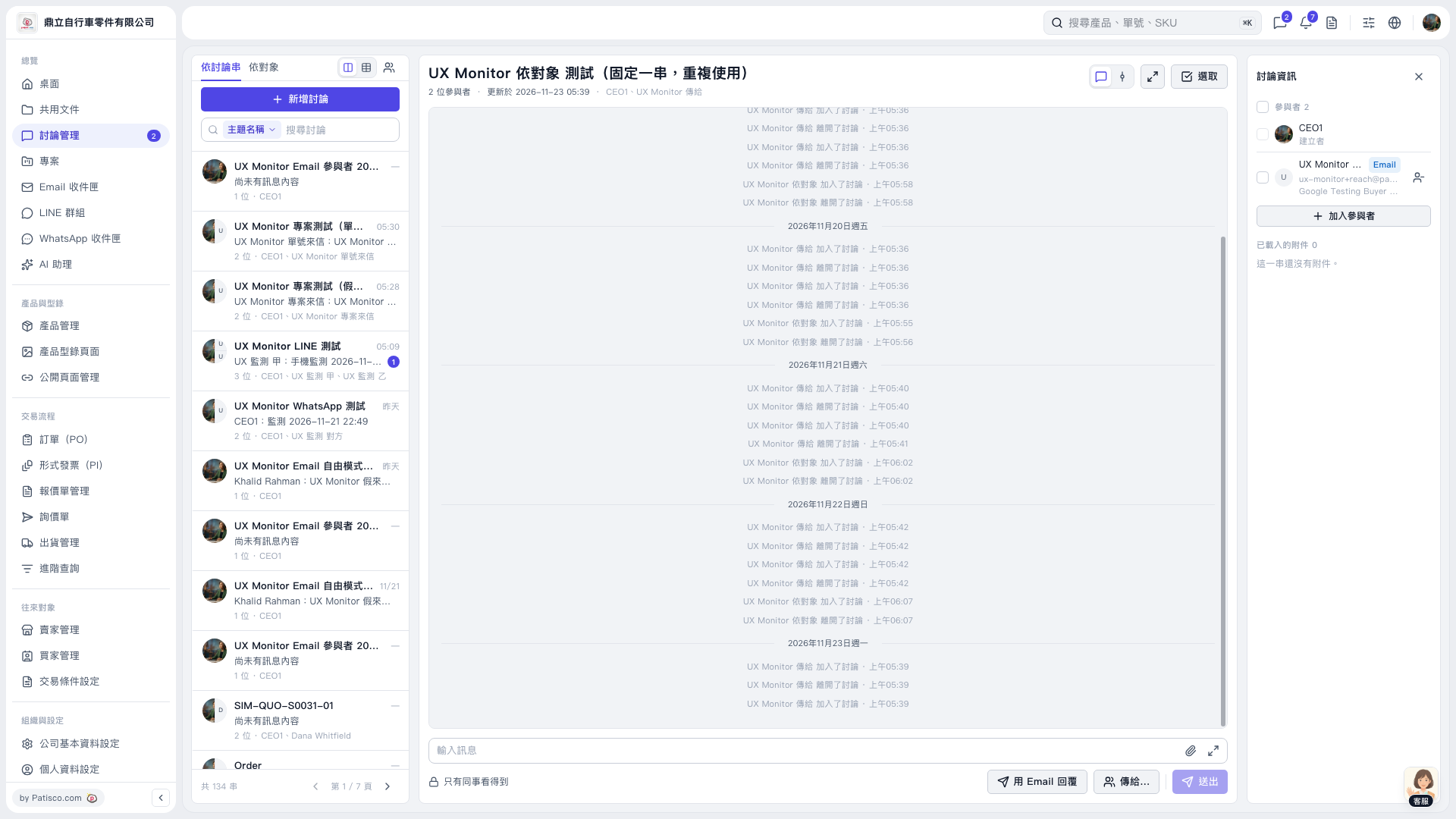
1. Find the discussion thread you want to reply to using [Search Discussions] on the left, then click to open it. 2. Check [Participants] on the right and confirm the email participant you want to contact. 3. Click [Reply by Email] at the bottom right of the message input area. 4. Check the [Recipients] field and review the sender and recipients shown in the [This email will be sent to the other party] notice. Confirm that the recipients are correct before completing your reply.
 V5 新桌面版|UX Monitor 依對象 測試(固定一串,重複使用)