
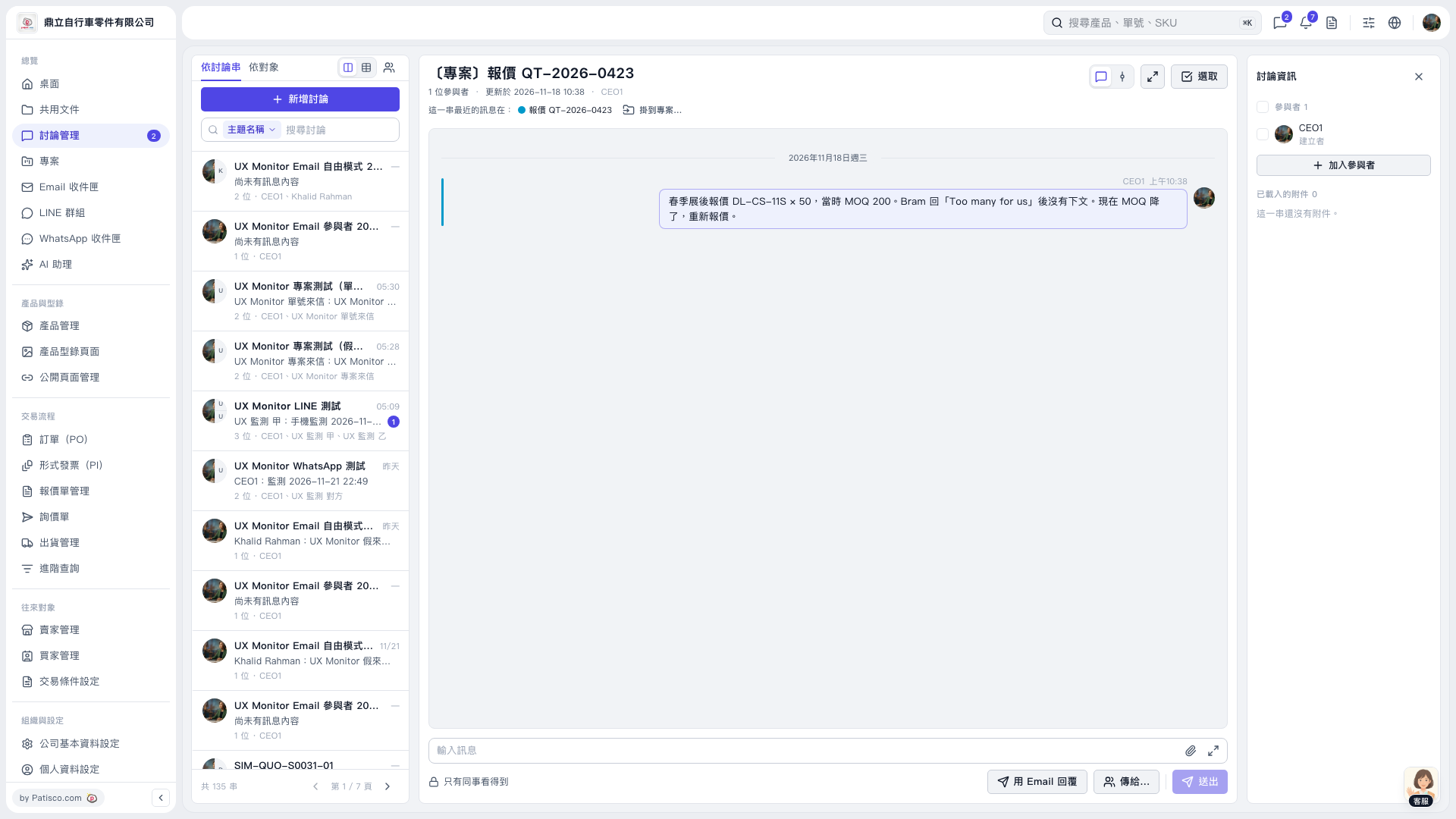
1. Use [Search Discussions] on the left to find the topic, then click the thread you want to open. 2. Check the discussion title and message history in the center, and review [Participants] on the right. 3. Write your reply in [Enter Message] at the bottom. To attach a file, click the paperclip icon. 4. The regular message area is marked [Only colleagues can see this]. Check your message, select the recipients using [Send to…], and click [Send].
 V5 新桌面版|〔專案〕報價 QT–2026–0423