
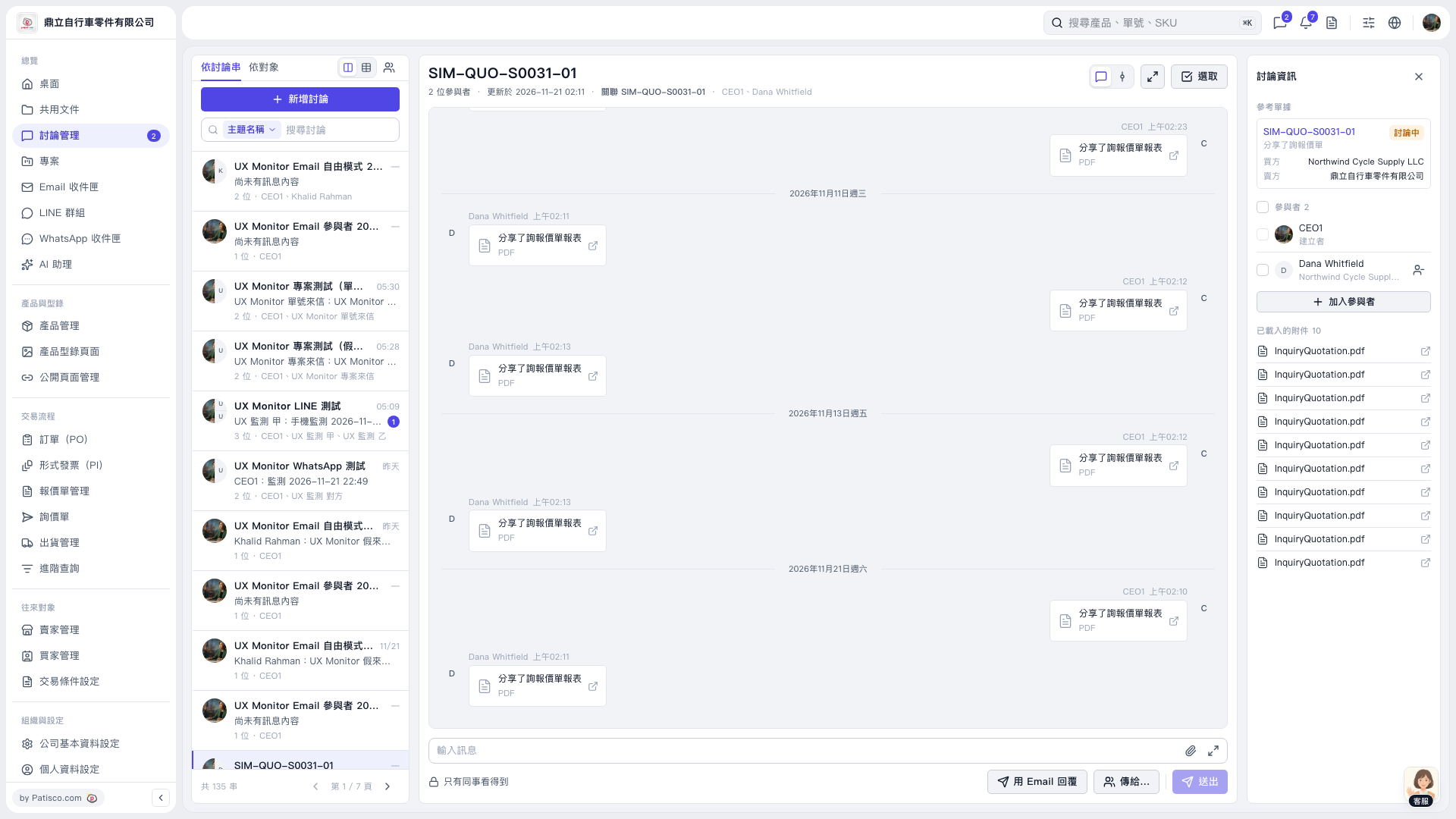
1. Use "Search discussions" on the left to find and open the discussion thread you want to reply to. 2. Check the "Only colleagues can see this" notice in the message input area. To send an email, click "Reply by email", then use "Send to…" to set the recipients. 3. Check the notice shown when sending the email. If it says that this buyer's contact can also view the email in Patisco, confirm that the content is appropriate for them to see. 4. Enter your message, confirm the recipients, and click "Send". If "Unsaved changes will be lost" appears when you close the editor, clicking "Discard changes" will discard any unsaved edits. If you close it without clicking "Send", the email will not be sent.
 V5 新桌面版|SIM-QUO-S0031-01