
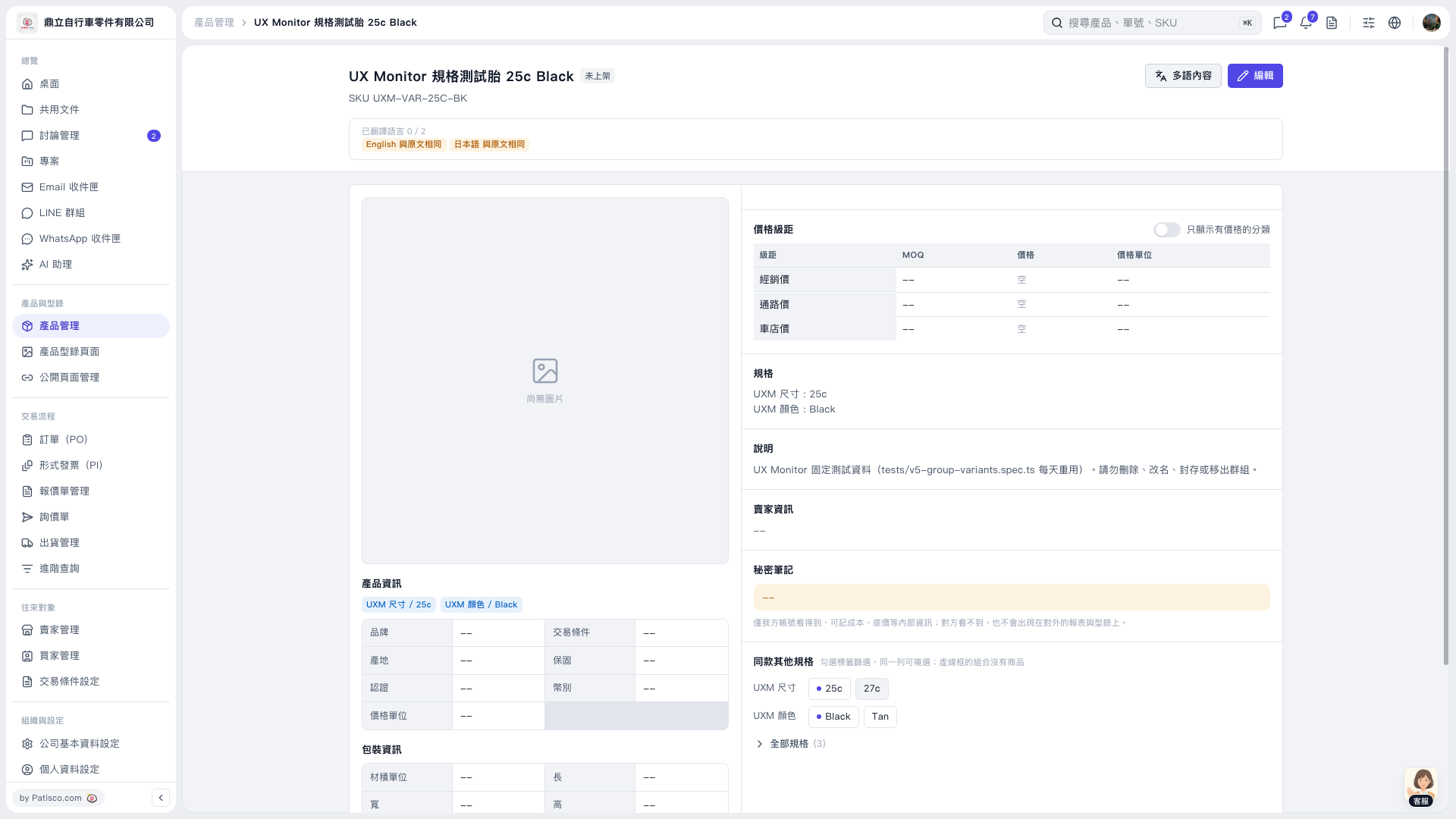
1. On the product details page, find the "Other variants of this product" section at the bottom right. 2. Select size or color options to filter variants of the same product. You can select multiple options in the same row. 3. A dashed border around an option means there is no product matching that combination of specifications. 4. Click "All variants" to expand and view all variants of the same product. The number of variants appears in parentheses on the button.
 V5 新桌面版|UX Monitor 規格測試胎 25c Black