
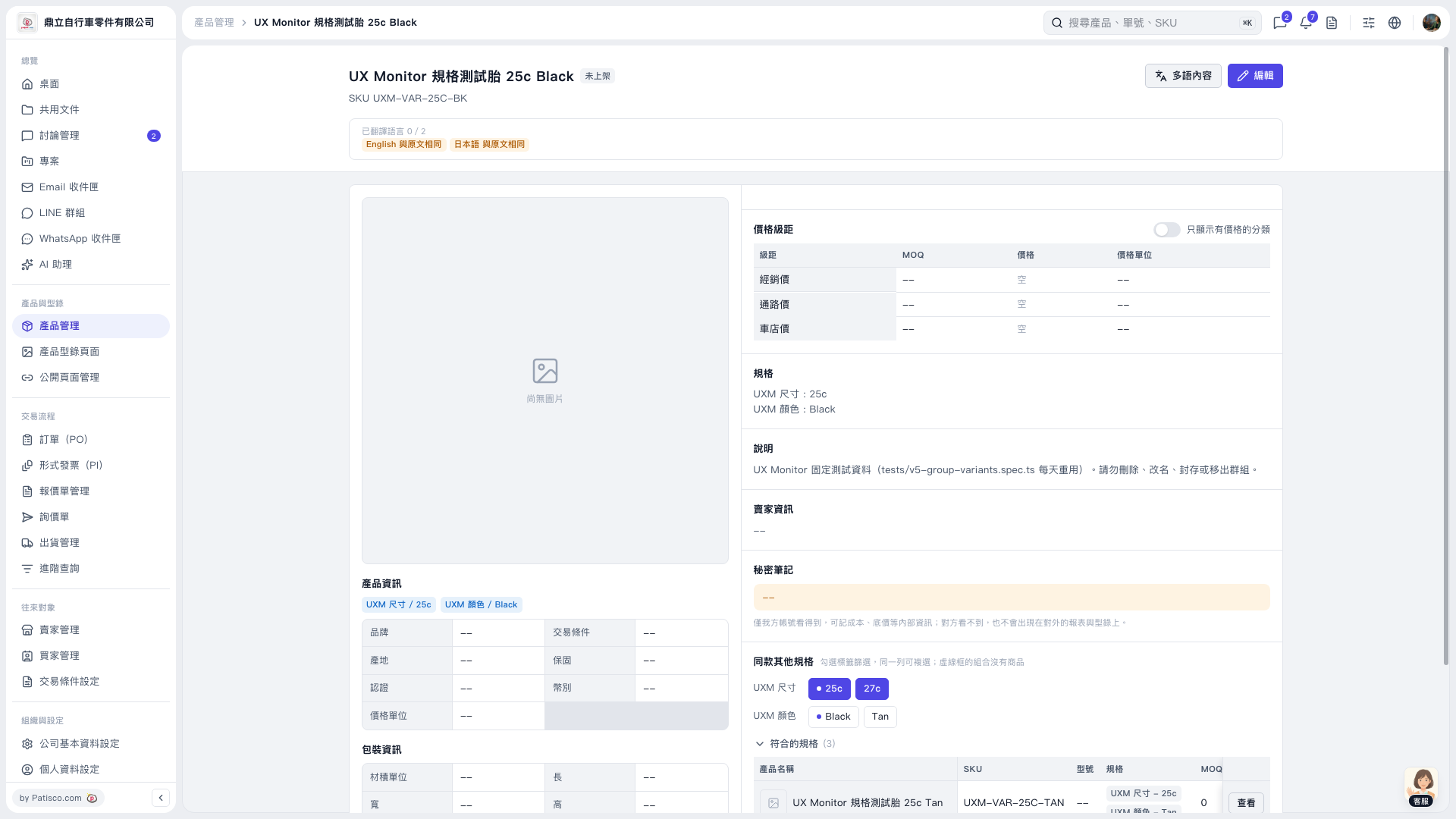
1. Find "Other variants of this product" on the product details page. 2. Select multiple specification options in the same row. Products matching any of the selected options will be included in the results. 3. Expand "Matching variants" to view the product name, SKU, specifications, and MOQ. 4. Once you find the product you want to view, click "View" on the right side of that row to open the details page for that variant.
 V5 新桌面版|UX Monitor 規格測試胎 25c Black