
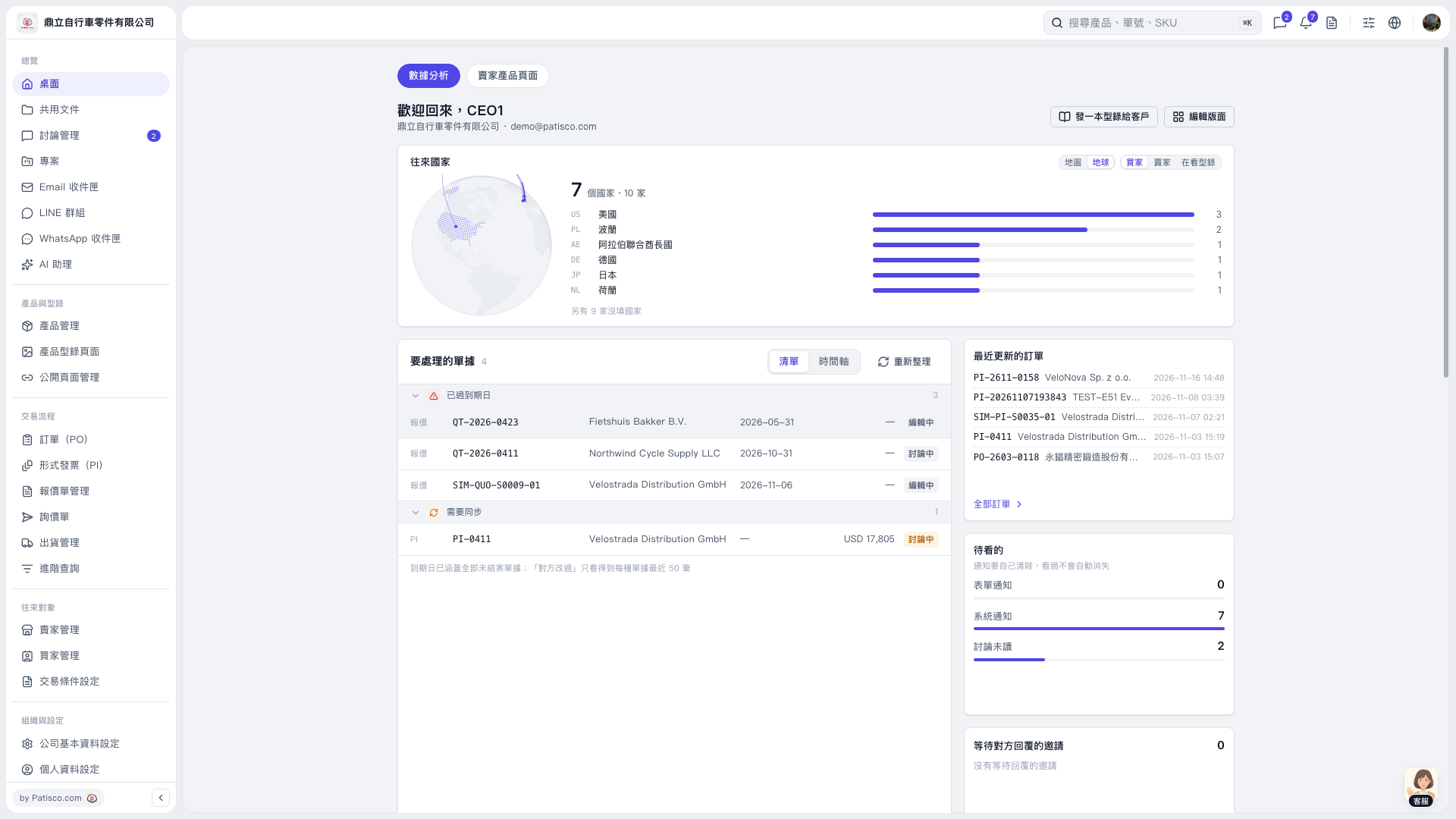
1. In the "Documents to Process" section, check documents marked "Overdue" and "Sync Required". 2. Click "List" or "Timeline" to switch views, and review pending tasks by "Document Number", "Company", "Due Date", and "Document Status". 3. Click "Refresh" to update the pending data. 4. View POs in the "Recently Updated POs" section. To view all POs, click "All POs".
 V5 新桌面版|桌面/數據分析