
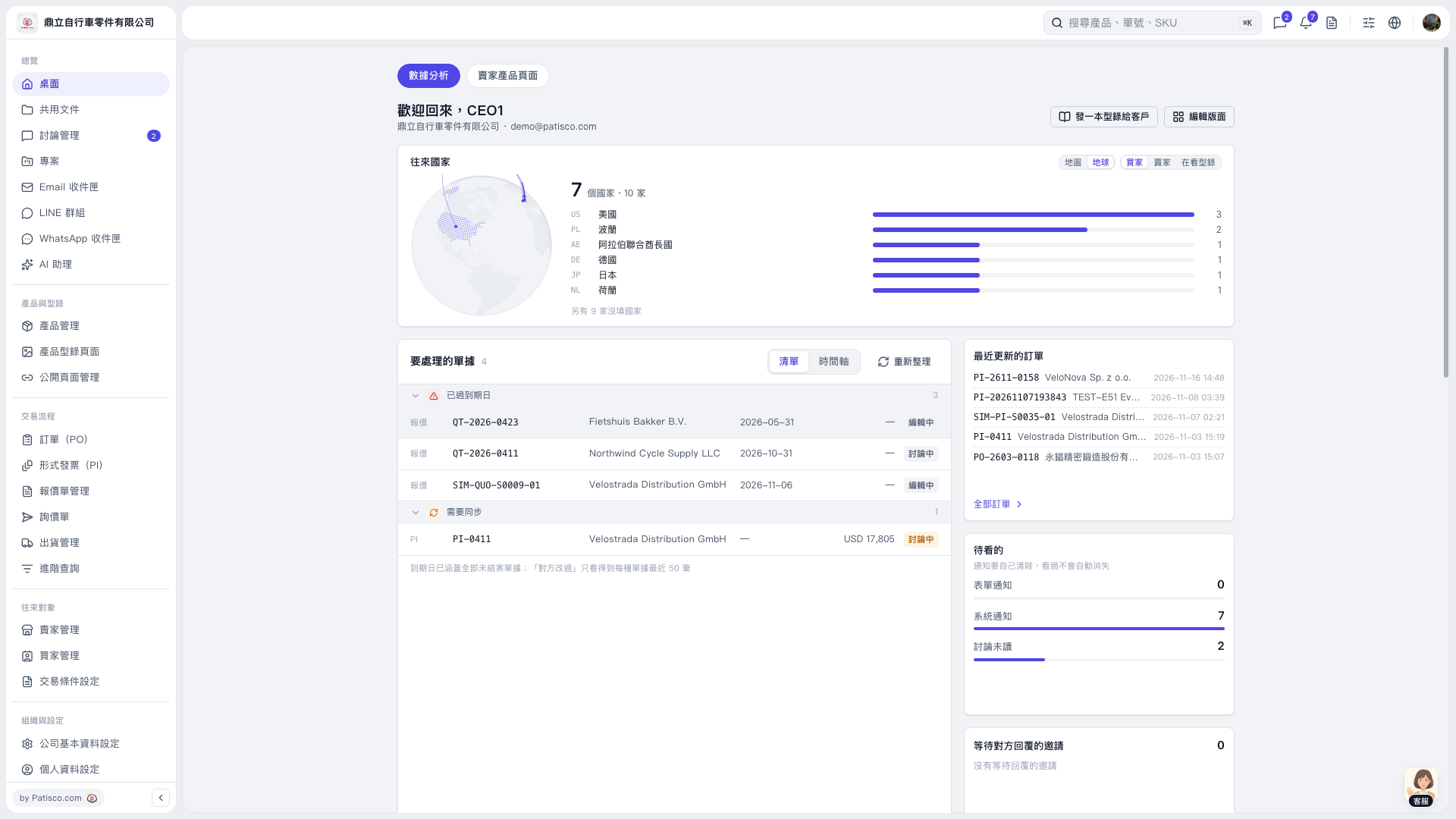
1. Find the "Trading Countries" section on the desktop. 2. Click "Buyers", "Sellers", or "Viewing Catalog" in the upper right to switch the group shown in the statistics. 3. Click "Map" or "Globe" to switch how the trading countries are displayed geographically.
 V5 新桌面版|桌面/數據分析