
1. On "Desktop – Analytics", find the "Documents to Process" section and check the "Overdue" and "Needs Sync" categories. 2. Find the document using "Trading Company", "Due Date", and "Document Status", then click its "Document Number" to view or edit it. 3. After returning to the desktop, click "Refresh" to update the list of documents to process. 4. To view other POs, select a document from "Recently Updated POs" or click "All POs".
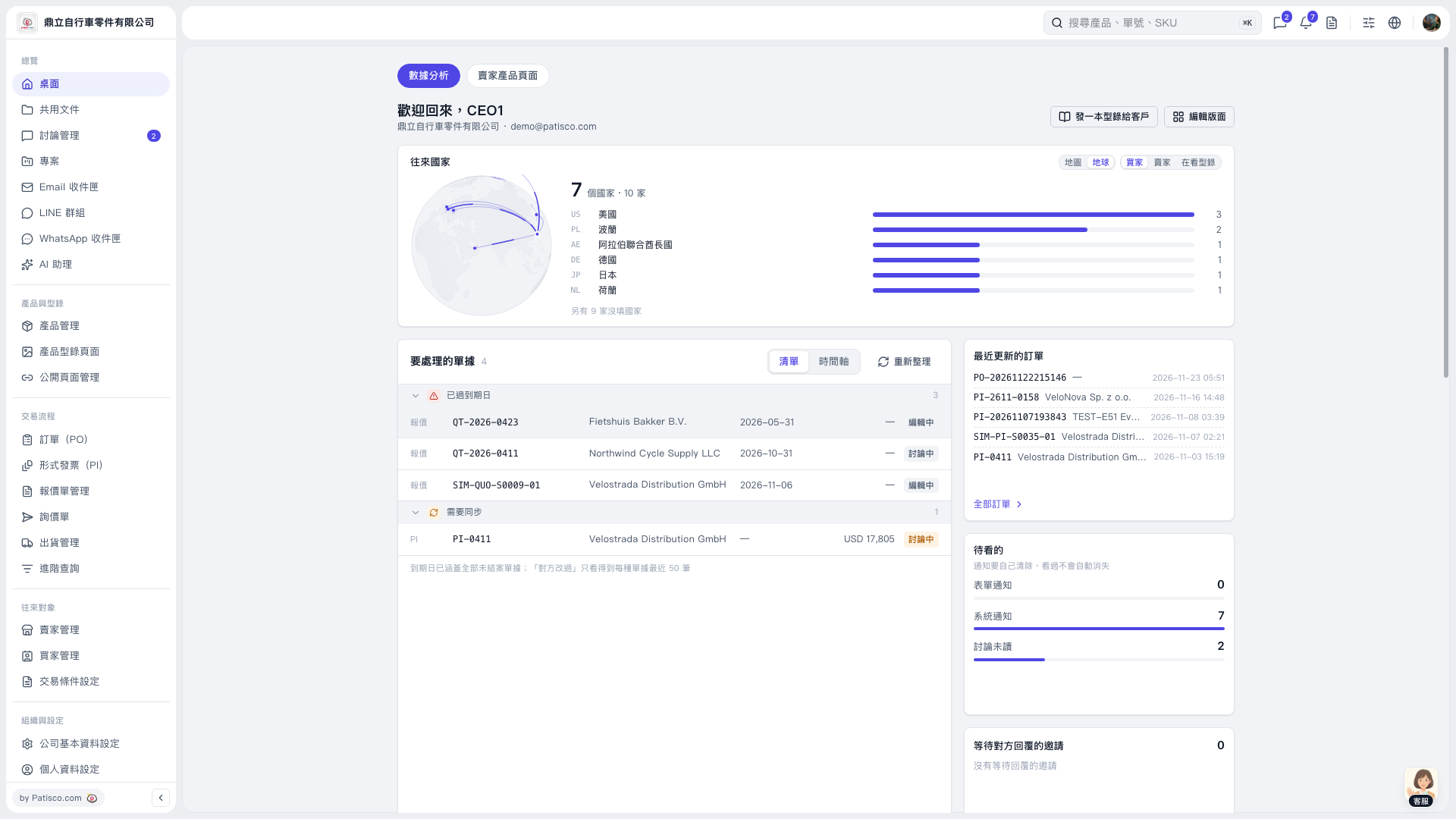 V5 新桌面版|桌面-數據分析