
1. Open the discussion thread you want to reply to. 2. To leave an internal message, check that the input area indicates that only colleagues can see it, then enter your message in the “Enter message” field. To attach a file, click the attachment icon on the right side of the input box. When finished, click “Send.” 3. To reply by email, click “Reply by email,” check the recipients and content, then send. 4. To add other colleagues to the discussion, click “Add participants” on the right.
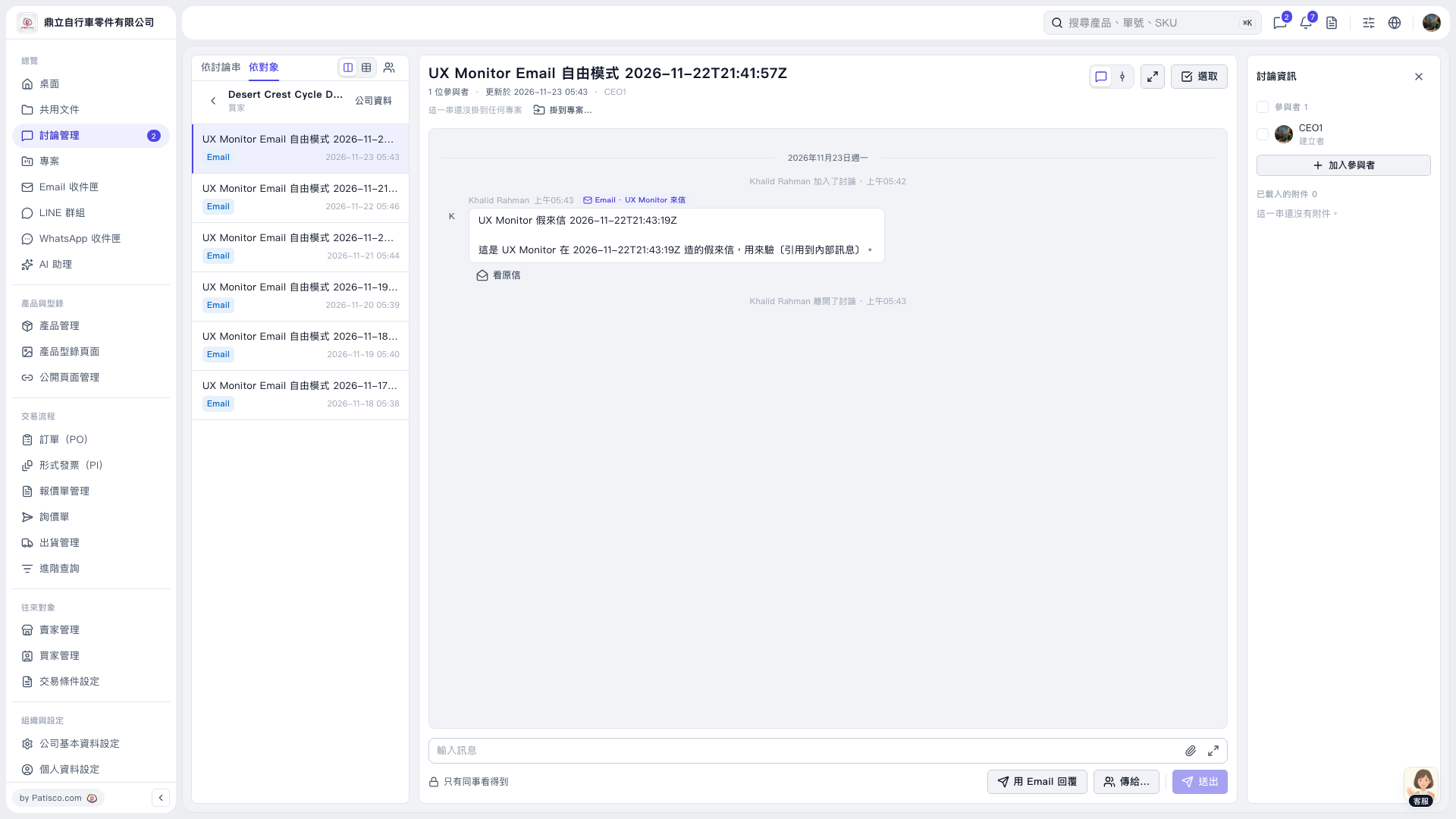 V5 新桌面版|討論管理