
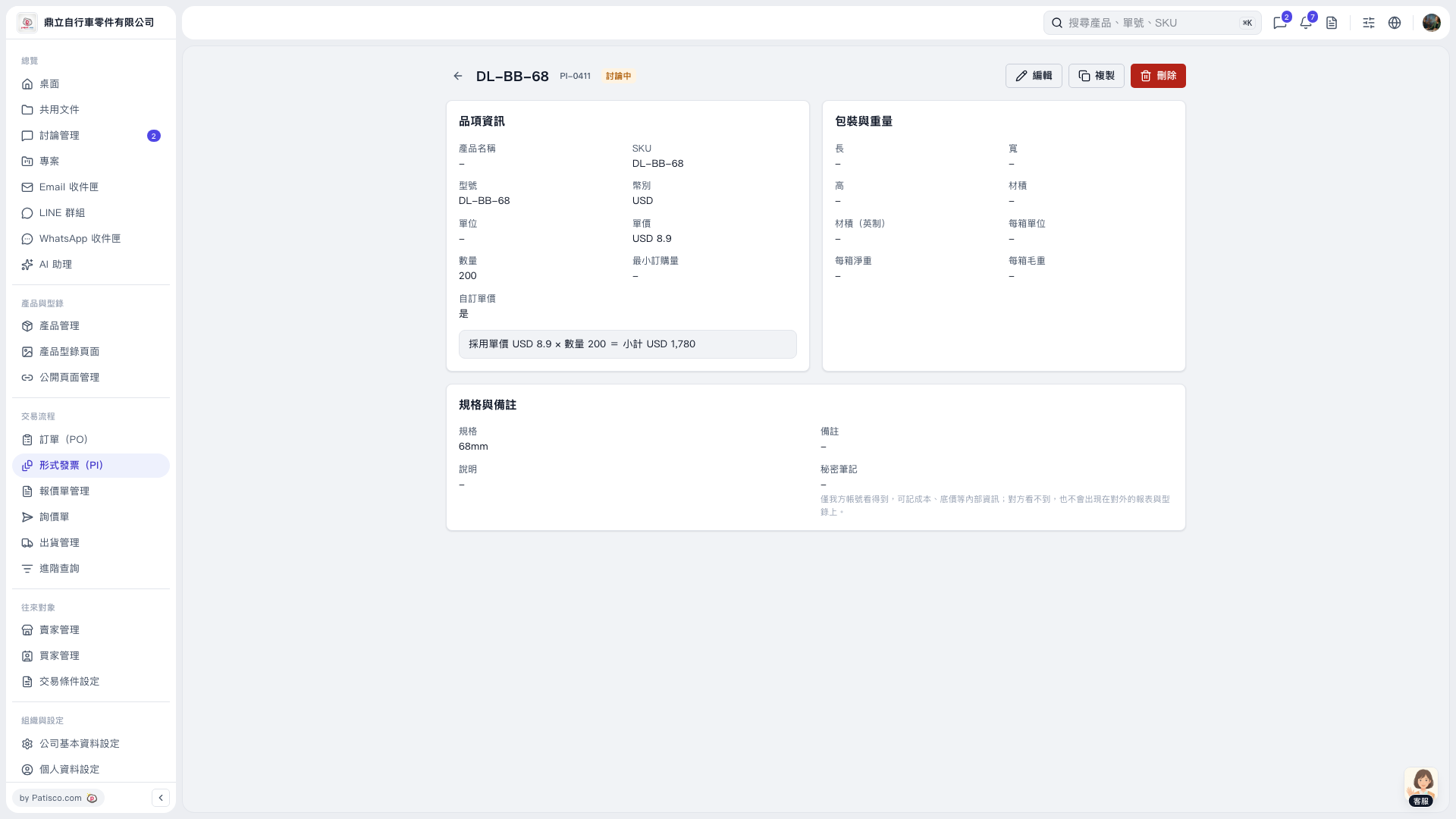
1. On the item details page, check the Proforma Invoice number and item model at the top to confirm that this is the item you want to view. 2. View “Unit price,” “Quantity,” packaging and weight, as well as “Specifications,” “Notes,” and other information. 3. To modify the information, click “Edit” in the upper-right corner to open the editing screen. 4. When you have finished viewing the information, click the back arrow to the left of the title to return to the parent page.
 V5 新桌面版|DL–BB–68