
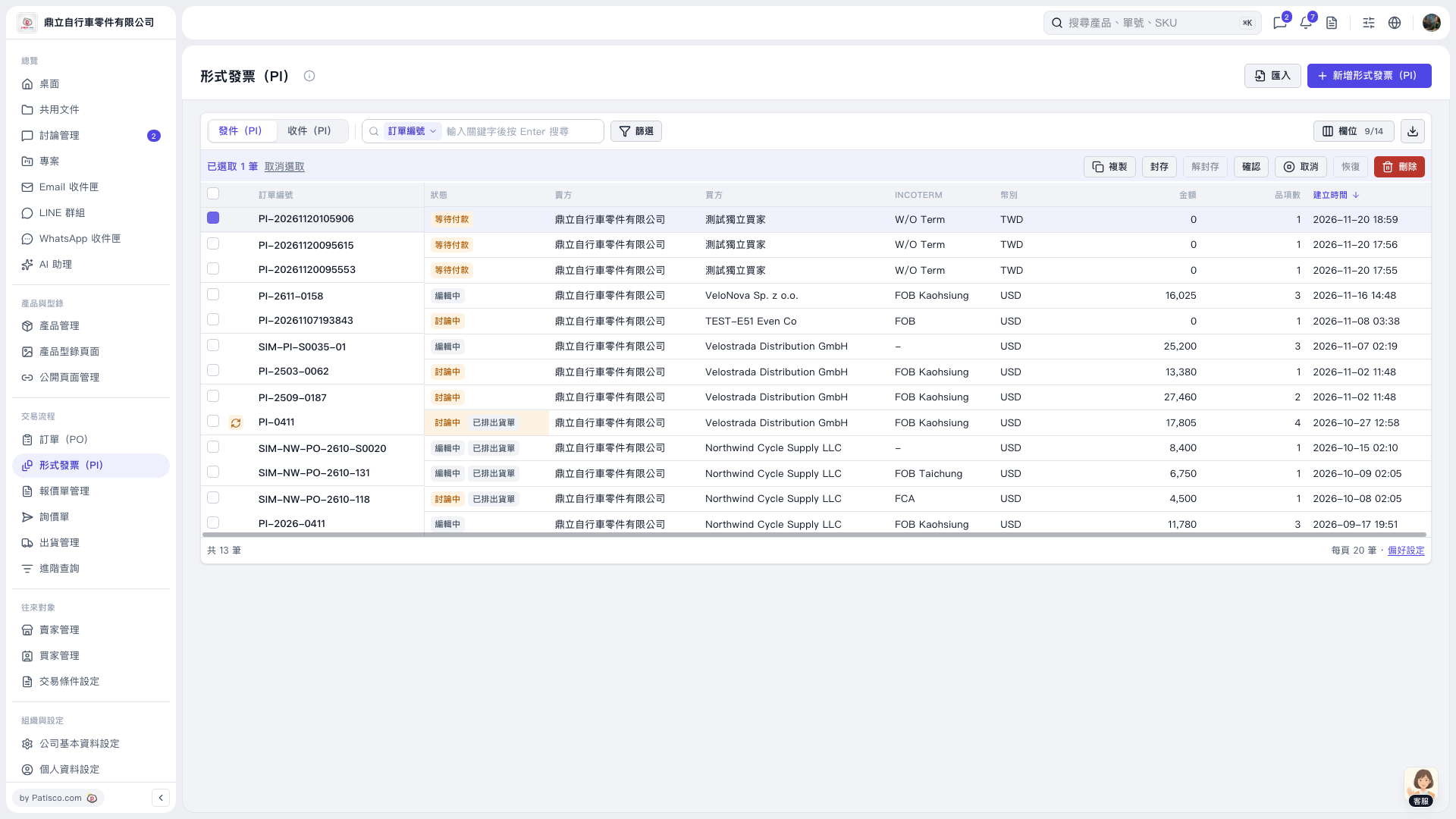
1. Go to the “Proforma Invoice (PI)” page and switch to “Sent (PI)” or “Received (PI).” 2. Click “Filter” and first filter for POs with the “Canceled” status. 3. Use the checkboxes on the left side of the list to select the Proforma Invoices you want to restore, then click “Restore.” 4. If you select records with the “Awaiting payment” status, “Restore” will be disabled and the message “Please filter for ‘Canceled’ POs before restoring” will appear. Check the filters and the “Status” of the selected records.
 V5 新桌面版|形式發票(PI)