
1. On the product details page, click “Edit” in the upper-right corner. 2. On the edit screen, add or adjust the price tiers and enter the “MOQ” and “Price” for each tier. Save when finished. 3. Return to the details page, confirm that the “Changes saved” message appears, and check the contents of the “Price Tiers” table.
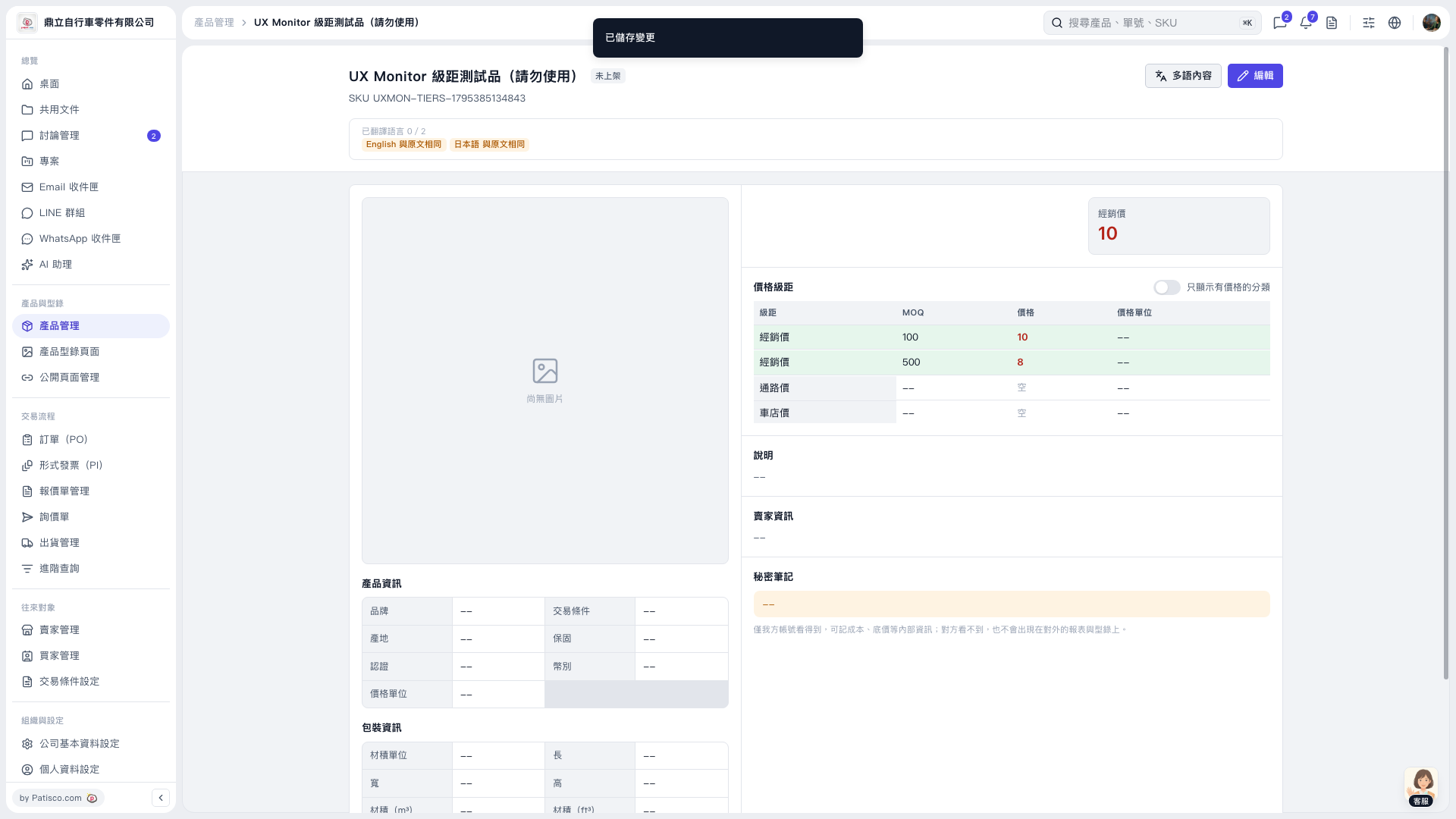 V5 新桌面版|UX Monitor 級距測試品(請勿使用)