
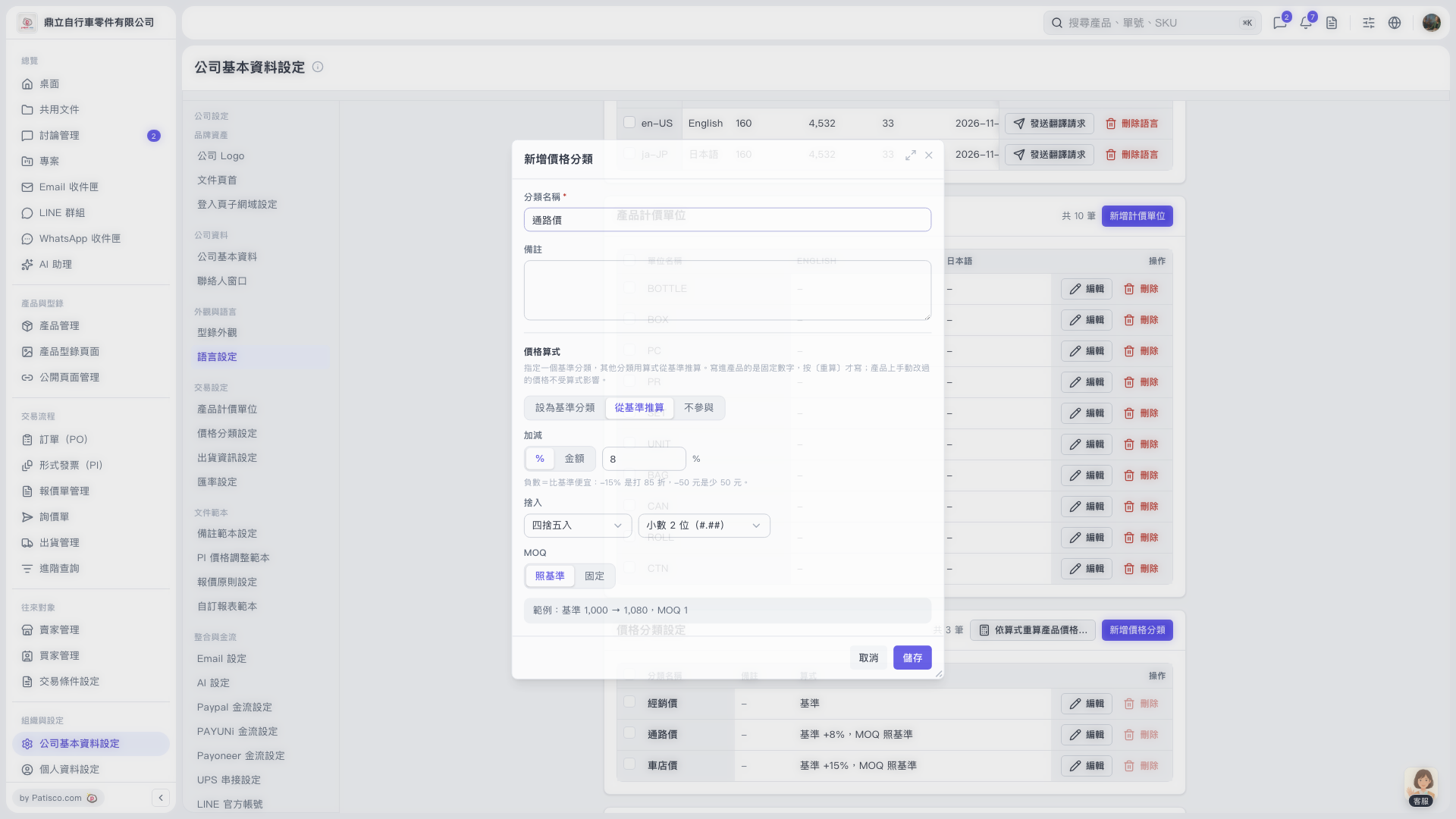
1. Go to “Price Category Settings” under “Company Basic Information Settings” and check the “Formula” column in the table. 2. Find the price category you want to change and click “Edit” in that row. 3. Adjust “Price Formula” and the related fields, then check the price example below. 4. Click “Save” to save the changes.
 V5 新桌面版|公司基本資料設定