
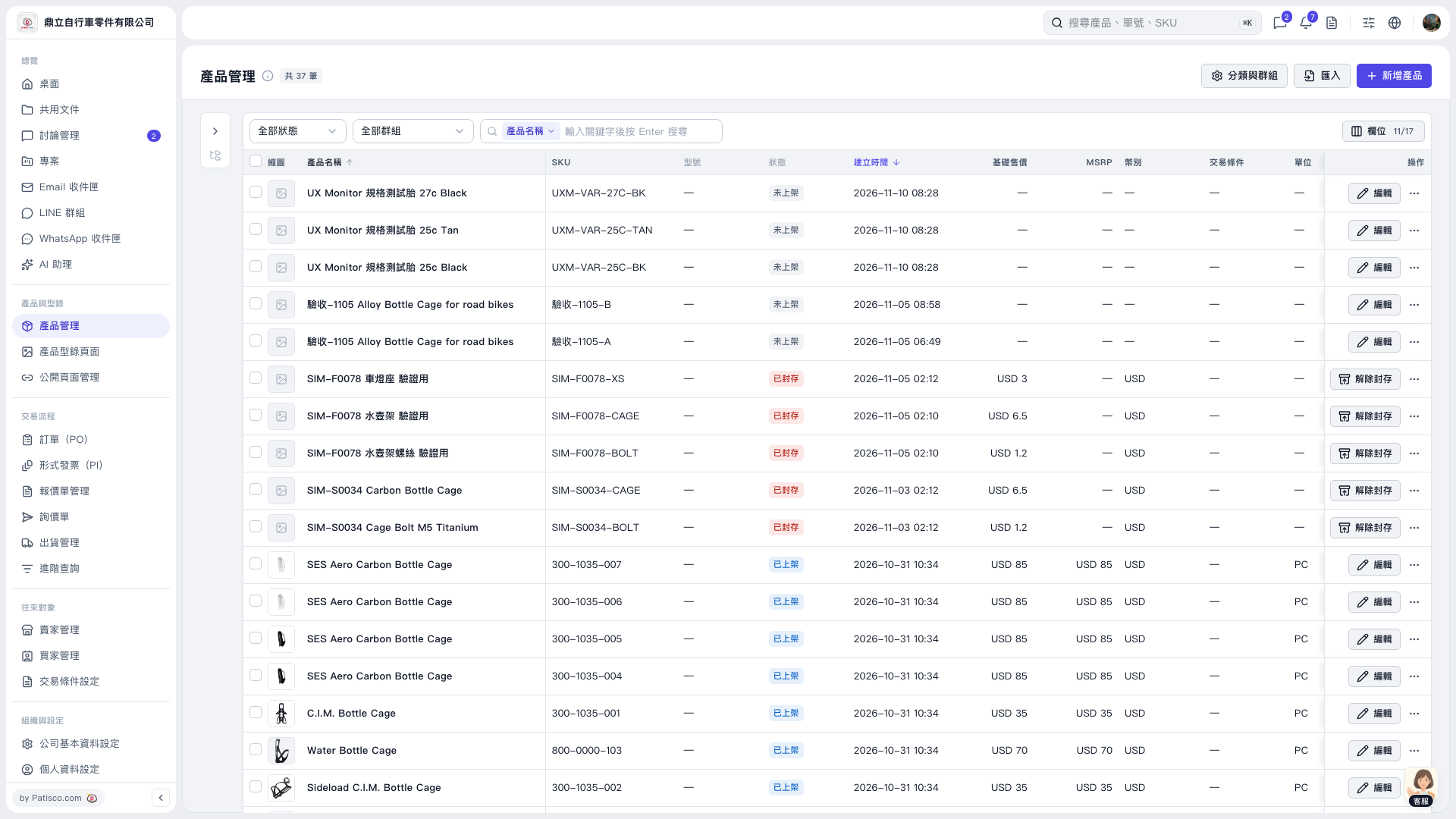
1. In the Product Management list, select the checkbox at the far left of the table header to select the products on the current page. 2. Click the “Select all N products” link to select products across all pages. N is the total number of products shown in the list. 3. After selecting all products, you can use [Publish in Bulk], [Unpublish in Bulk], or [Reuse Photos from the Same Group]. 4. To switch back to selecting only the current page, click the “Select only the N products on this page” link. Here, N is the number of products on the current page.
 V5 新桌面版|產品管理