1. Find the items section of the inquiry. 2. Click "Columns" in the upper-right corner of the items section to set which columns appear in the table.
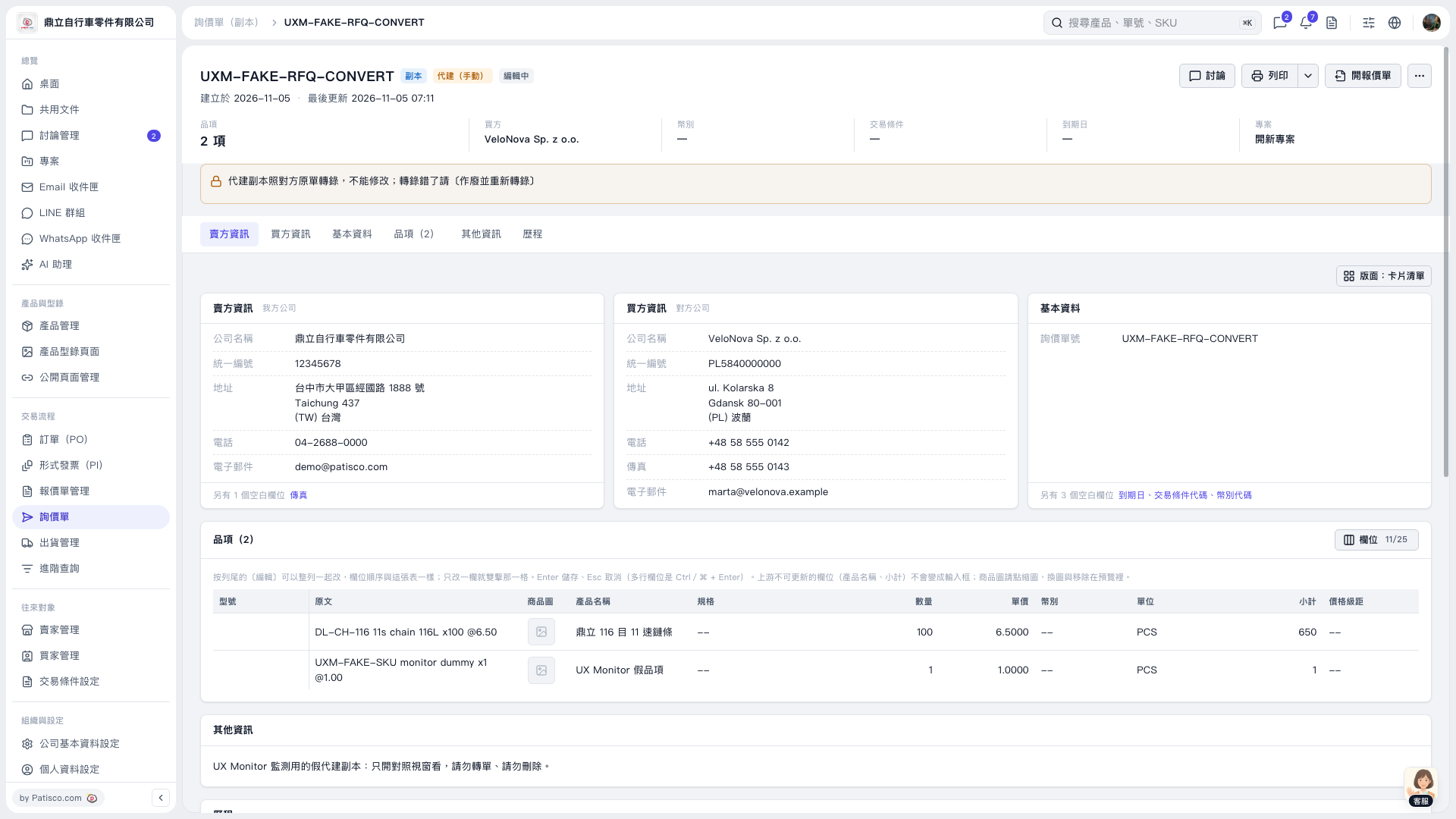 V5 新桌面版|UXM–FAKE–RFQ–CONVERT

1. Find the items section of the inquiry. 2. Click "Columns" in the upper-right corner of the items section to set which columns appear in the table.
V5 新桌面版|UXM–FAKE–RFQ–CONVERT