
1. On the AI assistant page, click [New conversation] on the left, or select an existing conversation. 2. Click [Create a copy on my behalf from a document sent by the other party] above the input box. 3. Select the document files sent by the other party. You can select multiple files at once, or click the paperclip icon on the right side of the input box to attach files. 4. Describe your requirements in the input box, then press Enter or click [Send]. To insert a line break, press Shift + Enter. 5. Provide additional information as requested by AI, check the document contents line by line, and continue after confirming them.
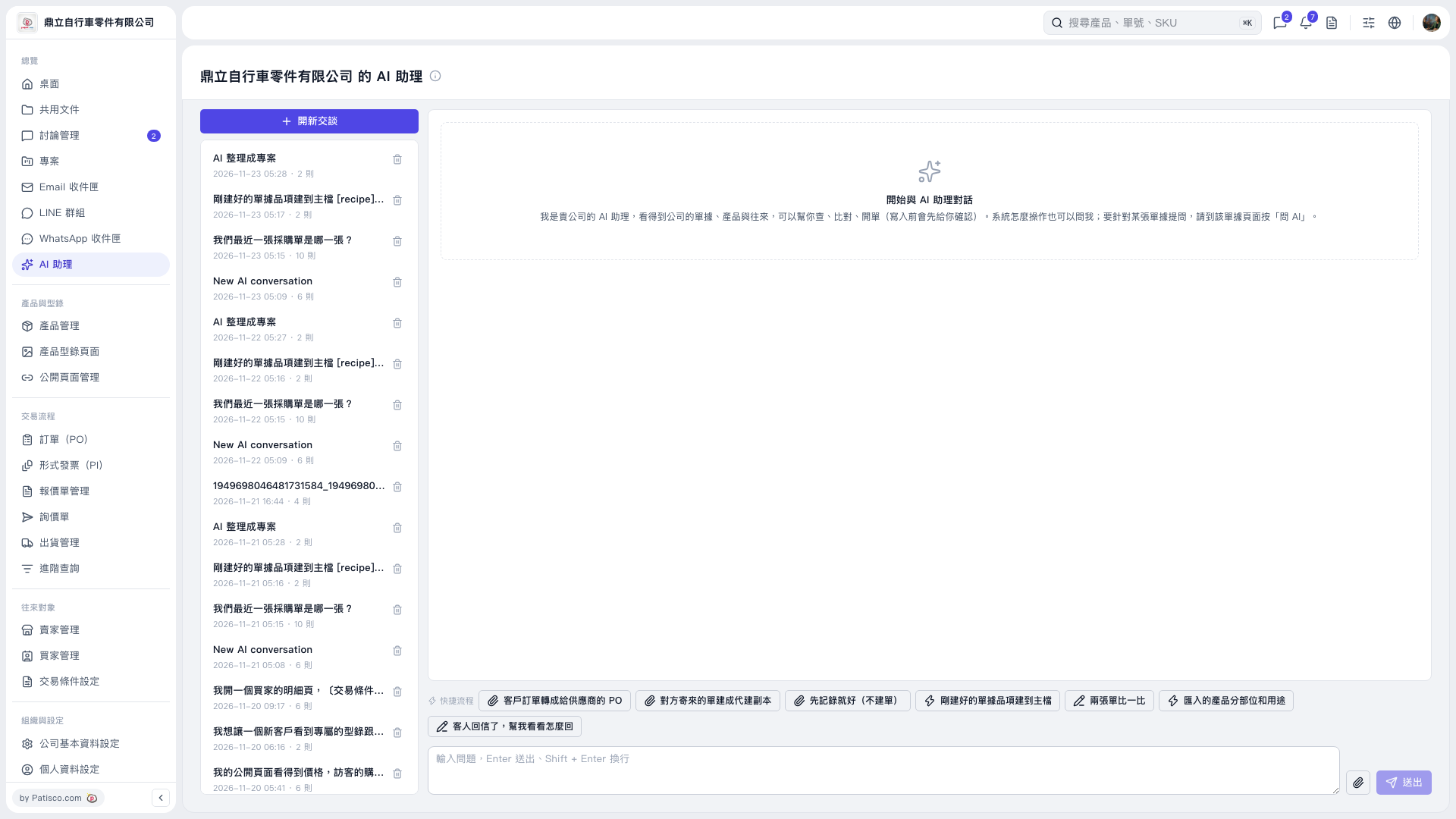 V5 新桌面版|鼎立自行車零件有限公司 的 AI 助理