
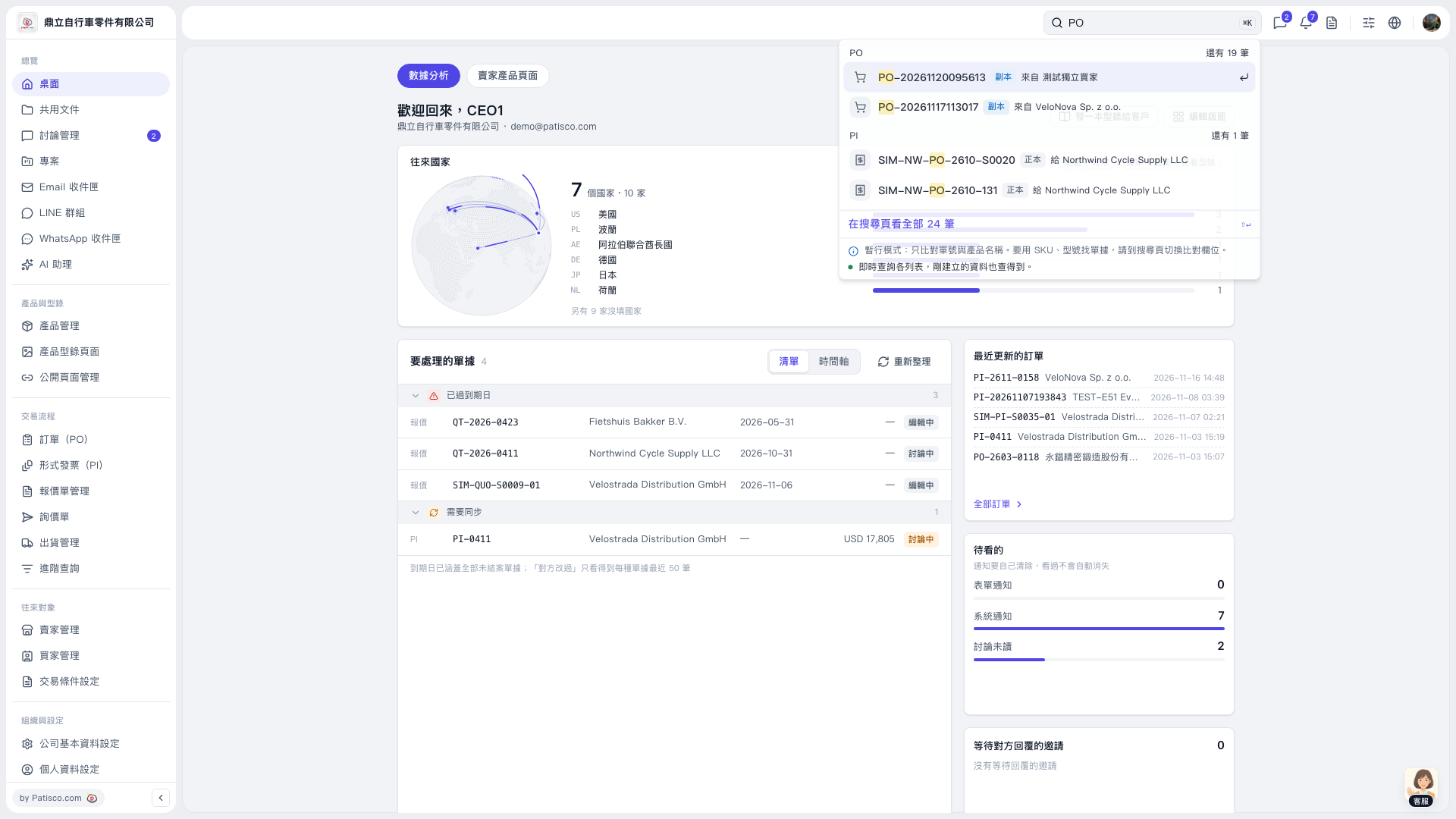
1. Click the search box on the right side of the top navigation bar and enter the document number or product name you want to find. 2. In the dropdown search results, check the document type, document number, original/copy designation, and trading partner. 3. Click the document number in the matching search result to open the corresponding document. 4. To view the complete results, click the link to view all results at the bottom of the search results panel.
 V5 新桌面版|桌面