
1. Review the candidate HS codes, confidence levels, and reasons provided by AI. You can ask, “Which HS code is suitable for this item?” An example AI response is, “Based on the item description, this falls under bicycle parts, specifically hubs.” 2. Select a suitable candidate and click “Apply”. The suggested information will populate “HS Code” and “HS Description”. 3. Check the contents of these two fields, then click “Save” in the dialog to write the information to the packing list. 4. If you click only “Apply” and close the dialog without clicking “Save”, the original HS code information will remain unchanged.
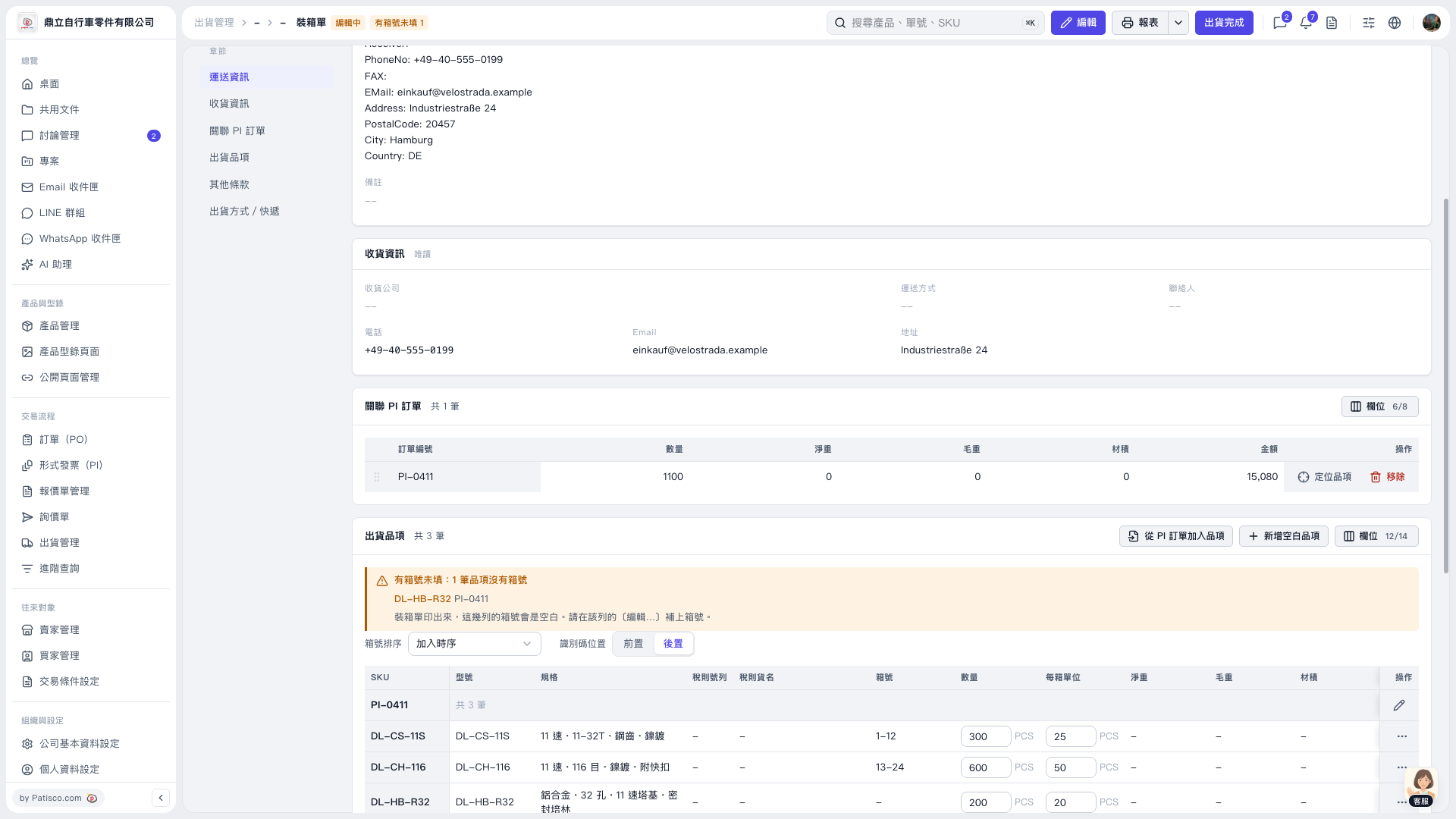 V5 新桌面版|裝箱單