
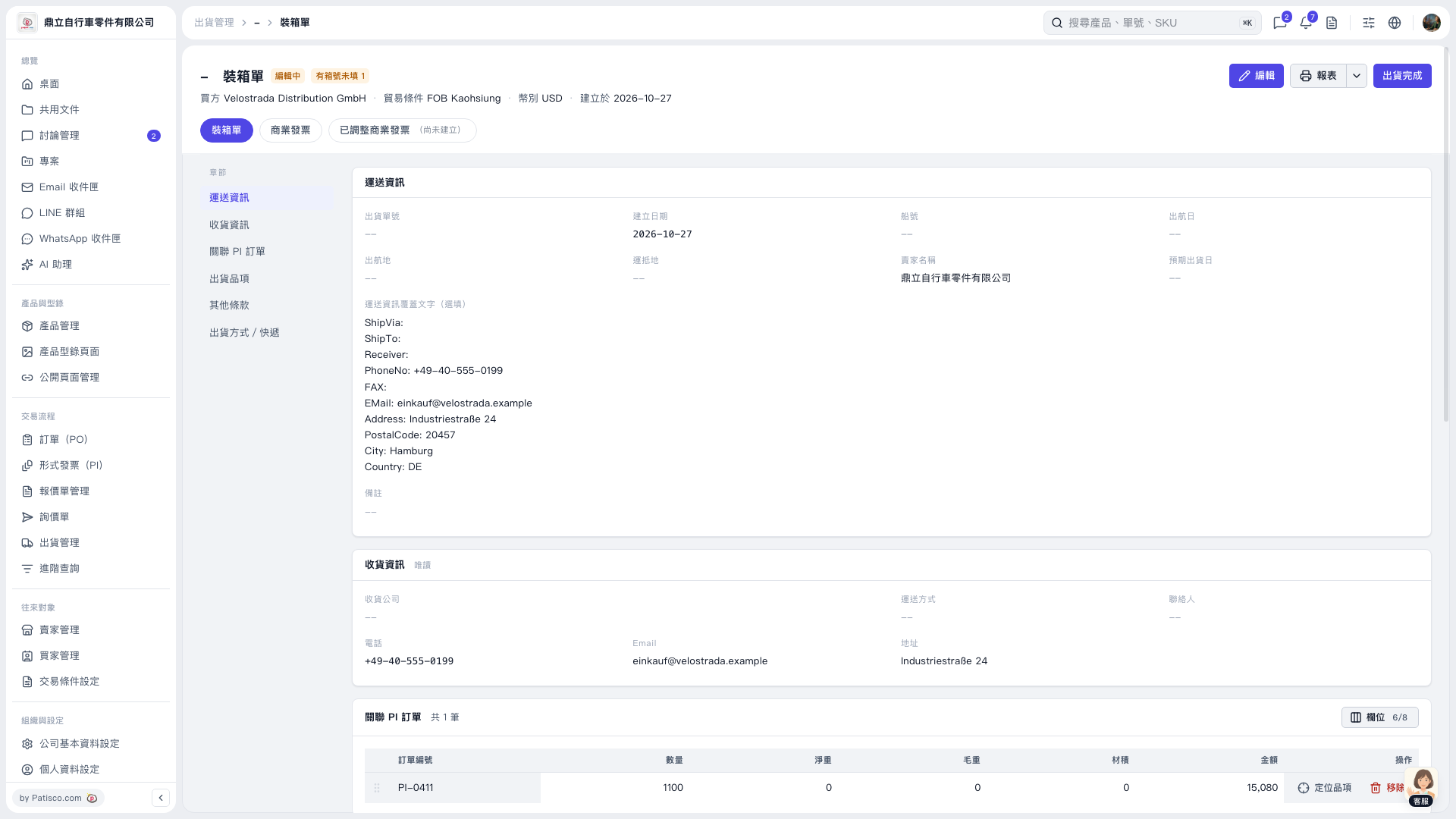
1. On the “Packing List” page, click the drop-down arrow next to “Report” at the upper right, then select “System Native Version”. 2. On the “Generate Report” screen, make sure “Print HS Code” is checked. This option is checked by default; clear it if you do not need to print HS codes. 3. The HS code is printed on the first line of each item's “Product Name (Product Description)” field; no separate column is added.
 V5 新桌面版|裝箱單