
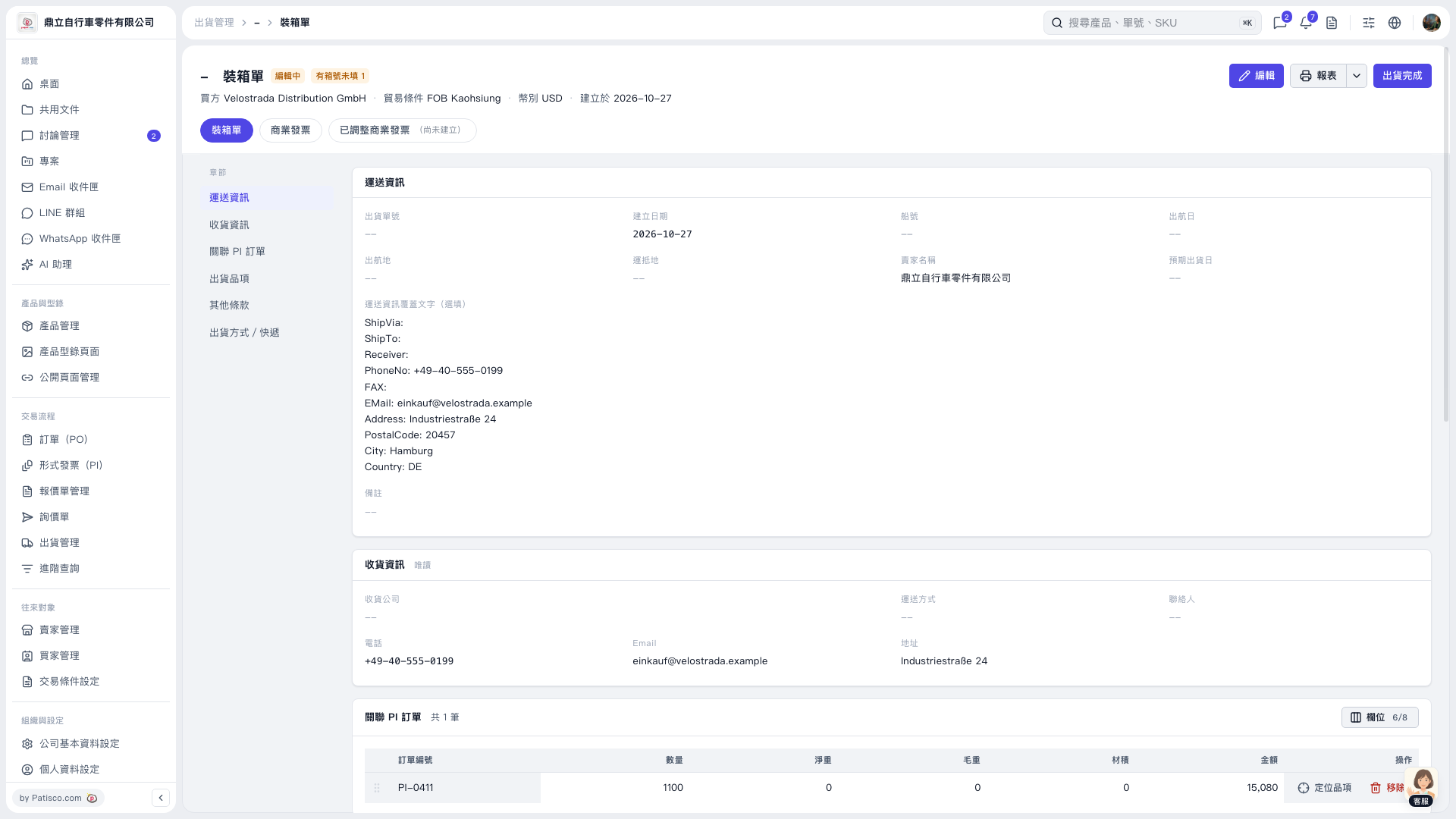
1. An HS code is printed on the report only if it has been entered for the item. Items without an HS code will not show one even if “Print HS Code” is checked. 2. Go to “Shipping Items”, click “Edit…” in the item's row, enter “HS Code” and “HS Description”, and save. 3. Use the drop-down arrow next to “Report” to select “System Native Version” again, and make sure “Print HS Code” is checked.
 V5 新桌面版|裝箱單