
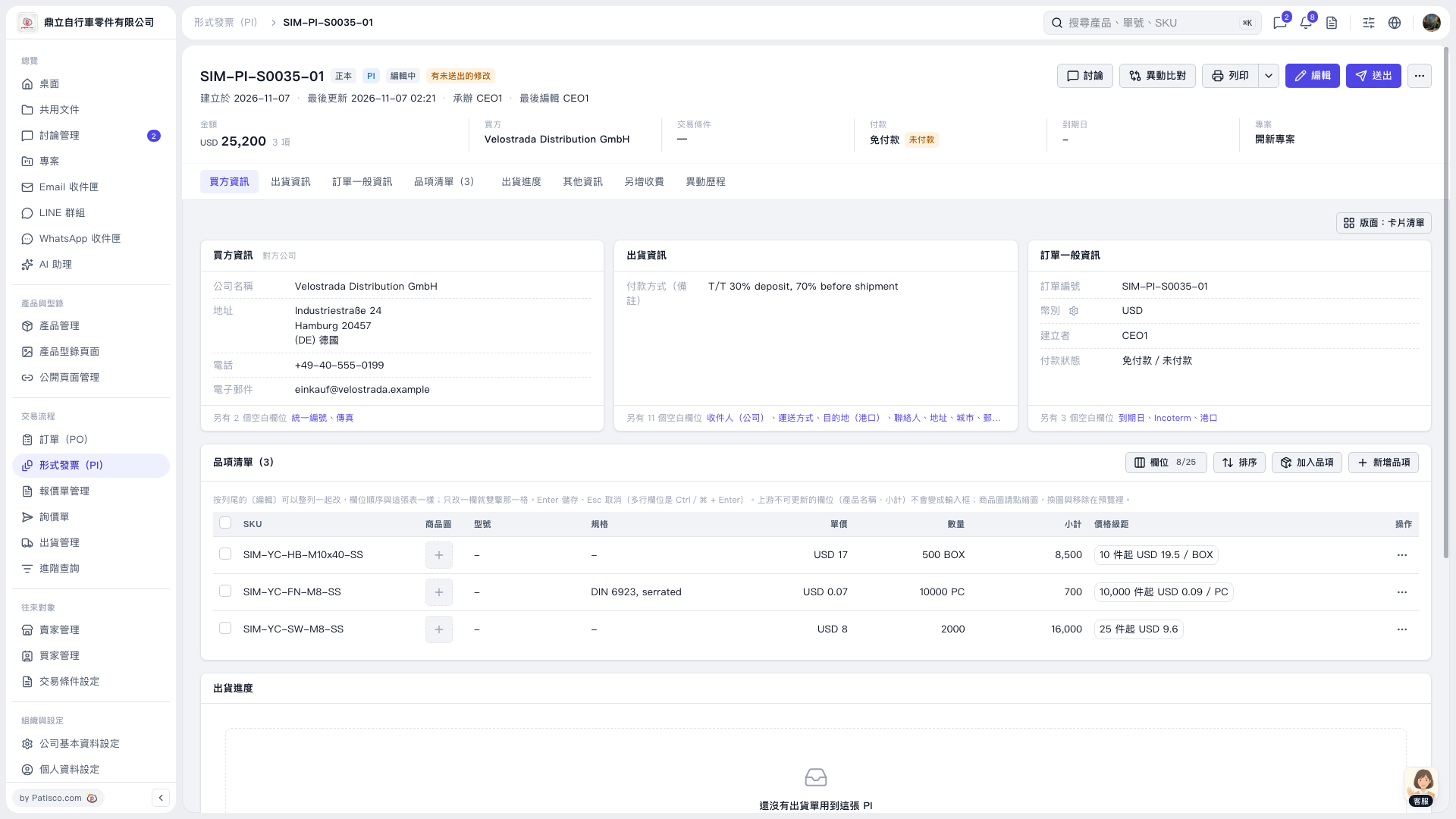
1. Open the Proforma Invoice you want to modify, click “Shipping Information”, then click “Edit” at the upper right. 2. Observe the character limit for each field: “Shipping Method”: 20 characters; “Recipient (Company)”: 40 characters; “Contact Person”: 50 characters; “Destination (Port)”: 50 characters; “Address”: 200 characters; “City”: 40 characters; “Postal Code”: 10 characters; “Phone”: 30 characters; “Fax”: 30 characters; “Email”: 50 characters; “Payment Method (Remarks)”: 50 characters. 3. Check the information, then click “Submit” at the upper right.
 V5 新桌面版|SIM–PI–S0035–01