
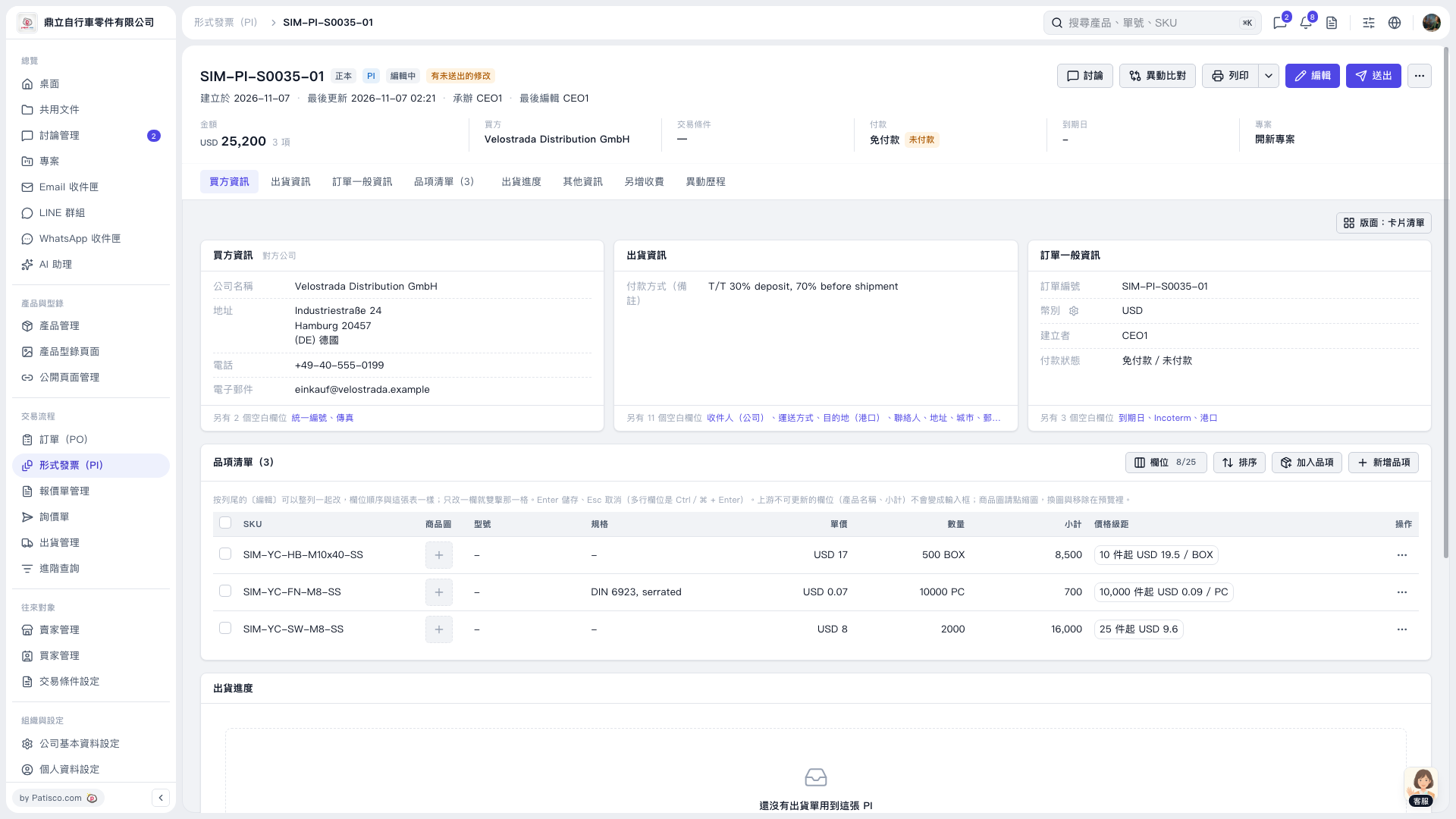
1. Open the Proforma Invoice, click “Shipping Information”, and find “Payment Method (Remarks)”. 2. To modify it, click “Edit” at the upper right, find the “Payment Method (Remarks)” field, and enter up to 50 characters. 3. Click “Save”. If you exceed the character limit, a “Maximum 50 characters” message appears. Shorten the text and save again. 4. If you do not want to keep the changes, click “Discard Changes”.
 V5 新桌面版|SIM–PI–S0035–01