
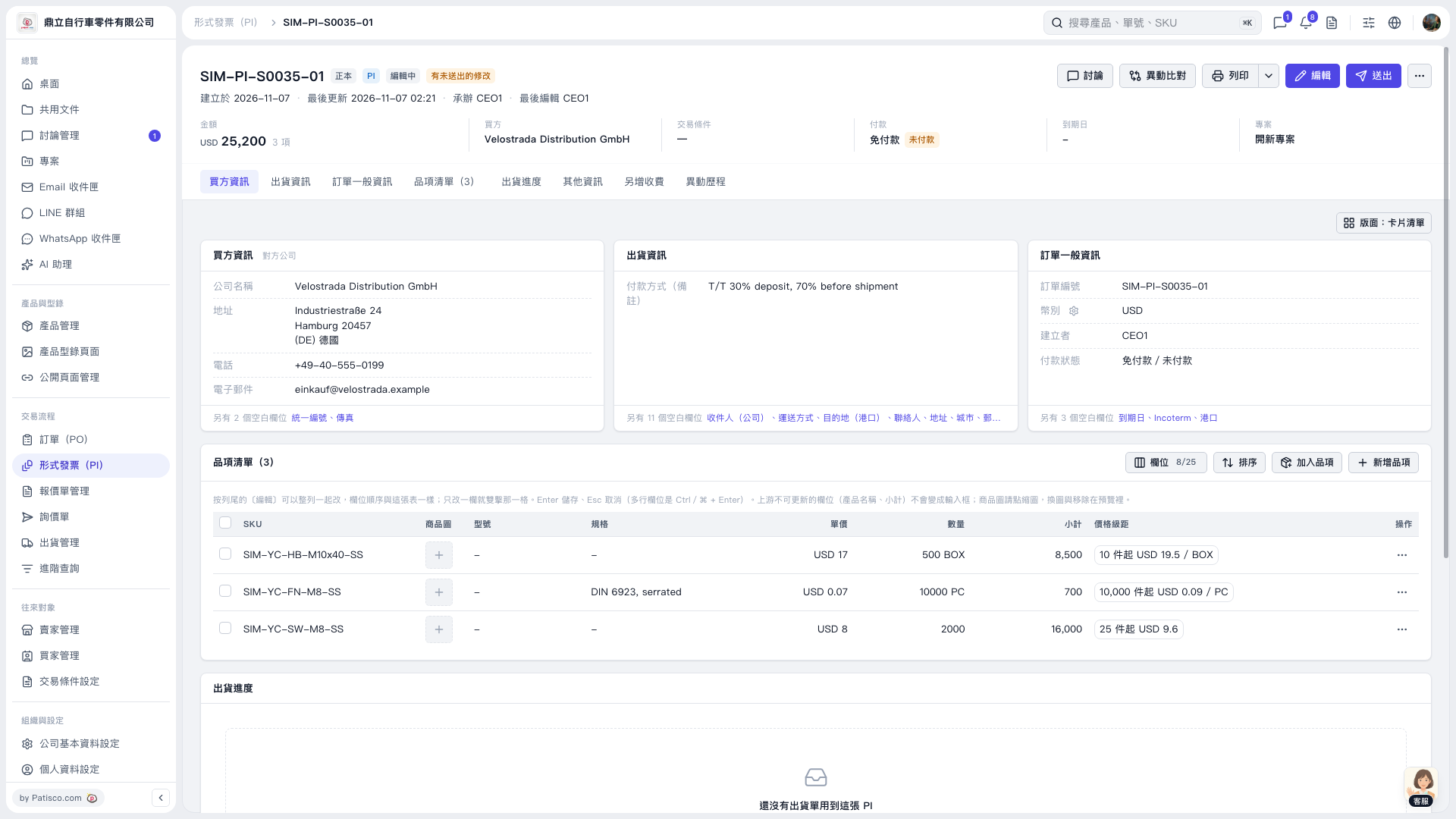
1. On the Proforma Invoice page, find the “Shipping Information” card and click “Shipping Method”. 2. Enter the shipping method using up to 20 characters, then click [Save]. 3. If you exceed the limit, the character count indicator will show how many characters you are over. Clicking [Save] will display “Maximum 20 characters”. Shorten the text to 20 characters or fewer, then save again. 4. After making your changes, click [Submit] in the upper-right corner to submit them.
 V5 新桌面版|SIM–PI–S0035–01