
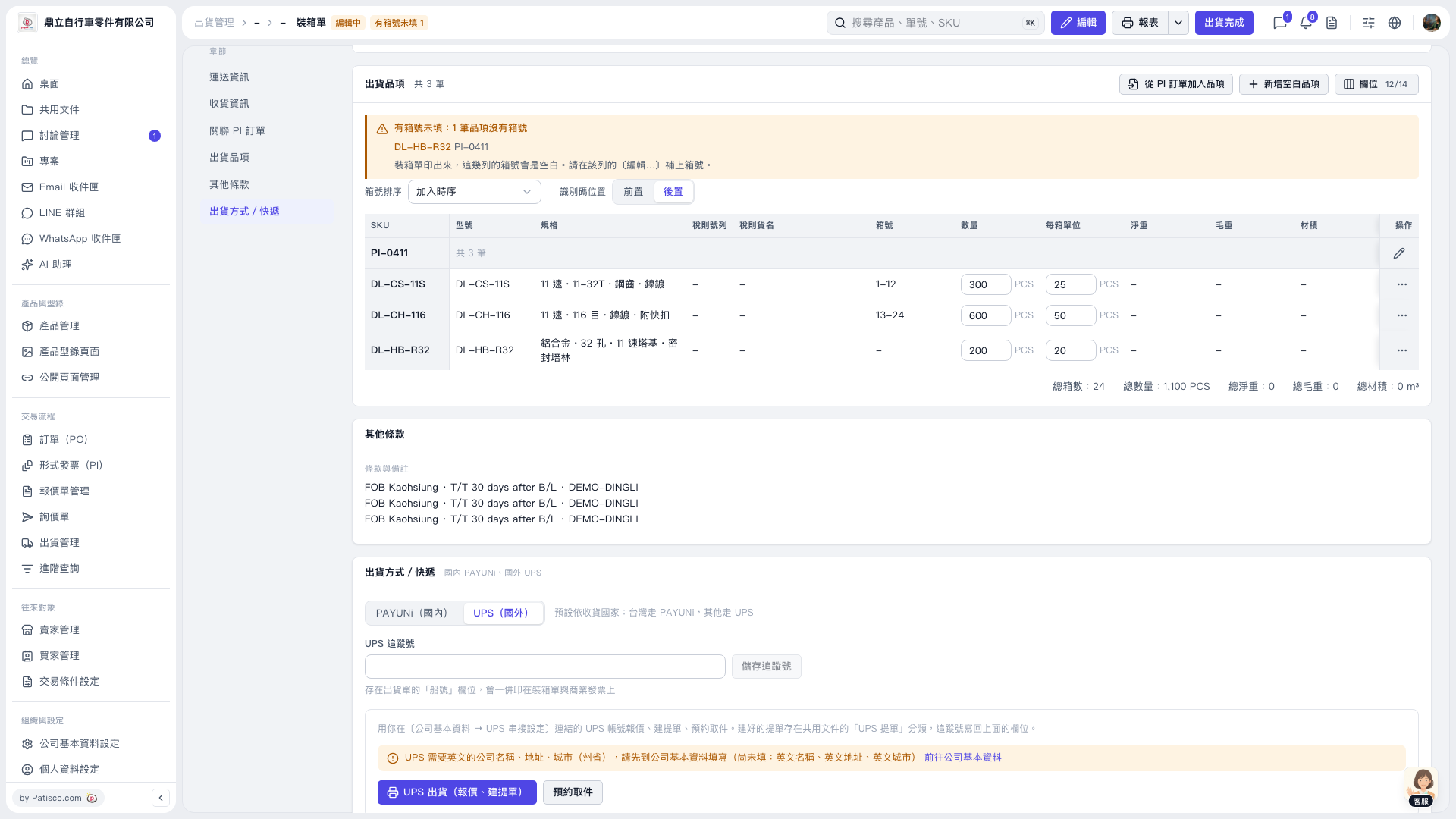
1. Check the message on the “Create Shipping Label” button to see whether you need to complete your company information in English. 2. If the message indicates missing information, click “Go to Company Information” and enter the company name, address, and city (state/province) in English. 3. Return to the packing list, open the “UPS Shipping (Get Rates, Create Shipping Label)” flow, check the rates and select a service, then create the shipping label.
 V5 新桌面版|裝箱單