
1. Go to [Company Workflows]. In the "Default Workflows" section, find the workflow you want to adjust by its "Entry Method." 2. Click [Edit] at the bottom right of the workflow card, then adjust the content. If you are using a built-in workflow, click [Make It Your Own] before making changes. 3. When you have finished editing, click [Check & Publish] to activate the new version. 4. Changes do not affect anyone until they are published. Business already in progress continues to use the original version.
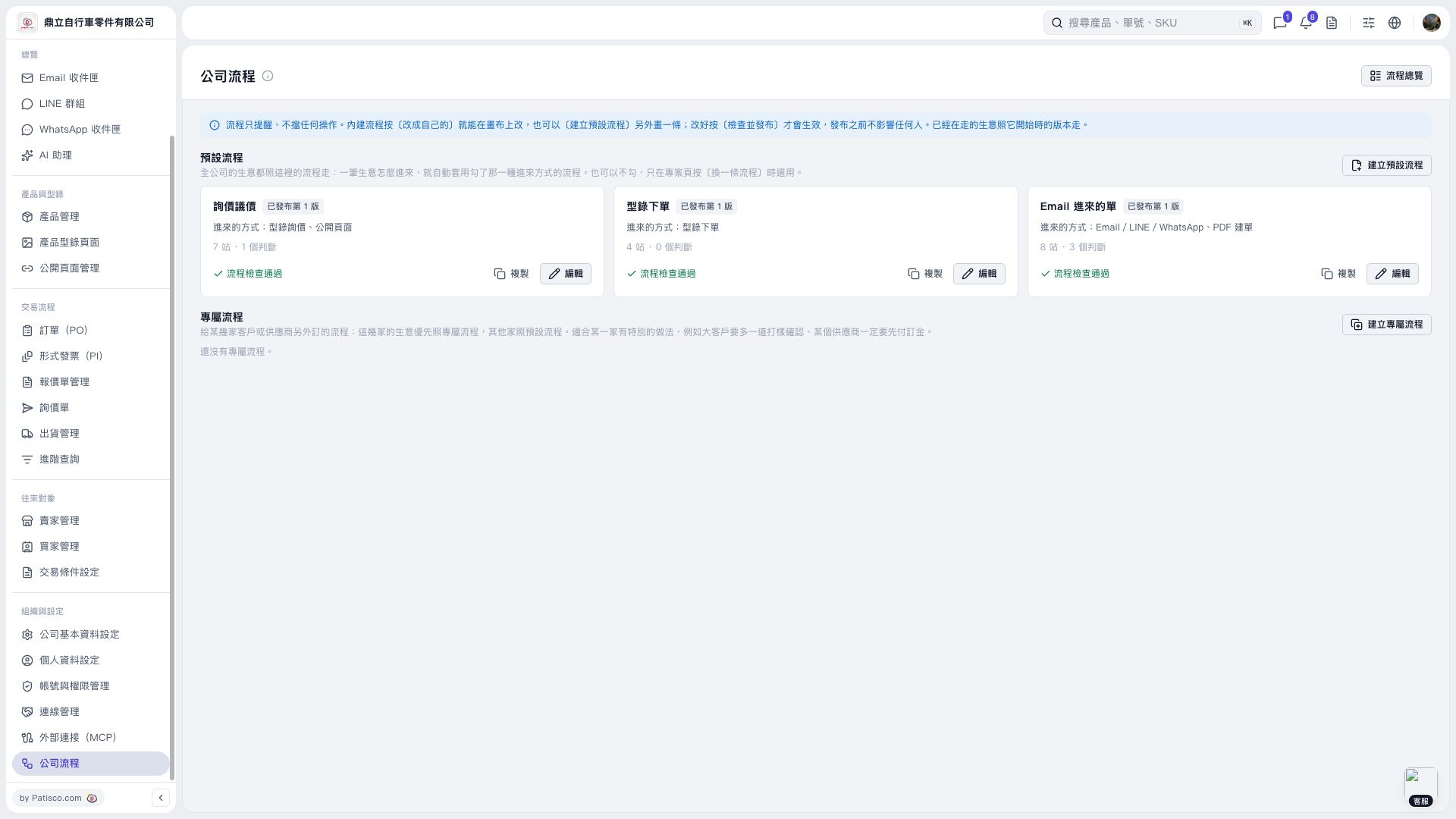 V5 新桌面版|公司流程