
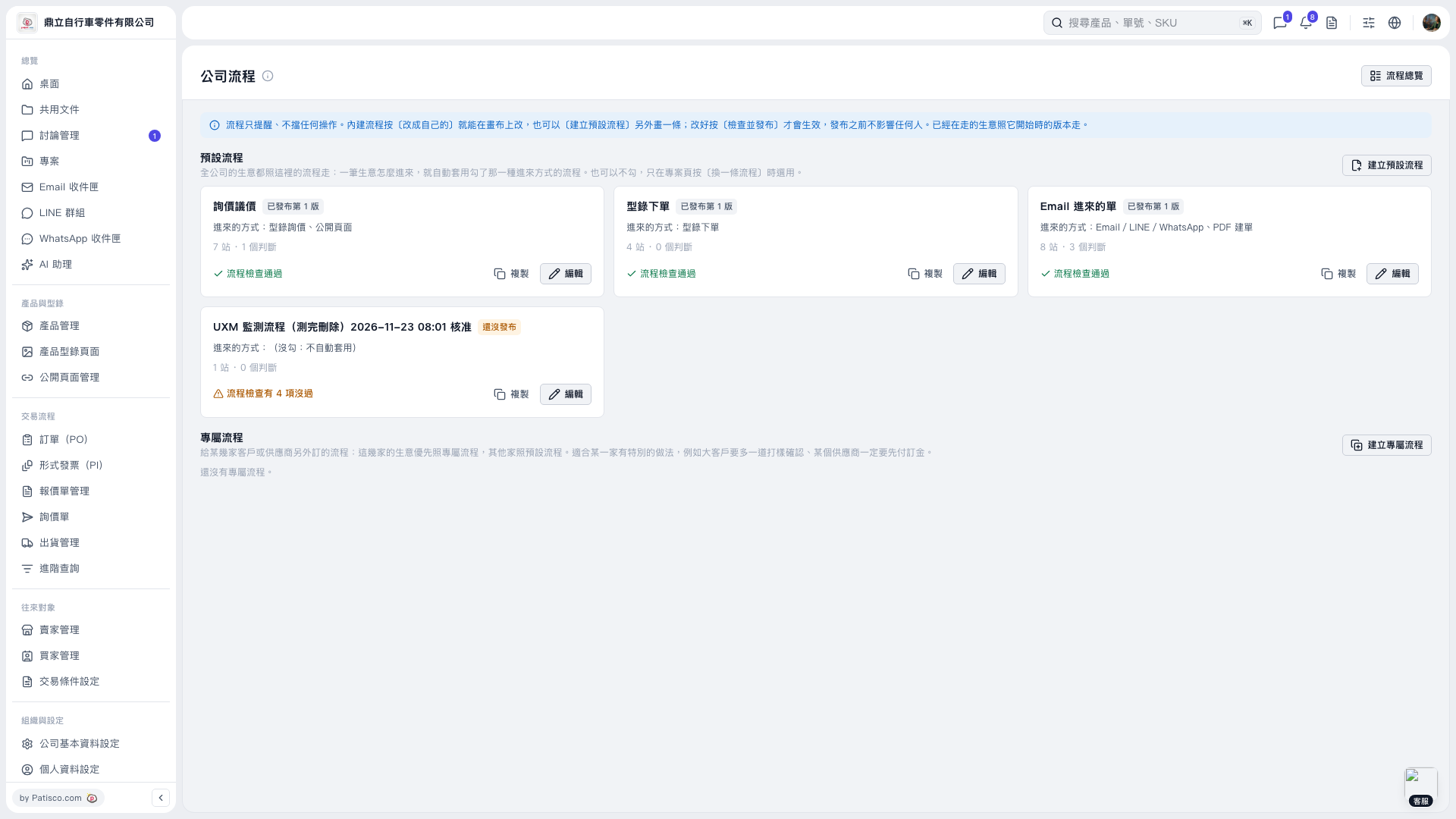
1. In the “Default Workflows” section under “Company Workflow,” find the workflow you want to adjust and click [Edit]. 2. Click “Approval/Audit” in the component palette on the canvas to add a step. 3. In the “Step” settings on the right, assign approvers through “Who is responsible,” then set “Document type to review” and “Route to follow when returned.” 4. Follow the page prompts to [Check and publish]. The changes take effect only after the workflow passes the checks and is published.
 V5 新桌面版|公司流程