
1. Check the approval step’s “Who is responsible” setting. It can specify the project owner, designated members, department members, or the company contact for that customer or supplier. 2. Only people who match the “Who is responsible” setting and the top-level administrator can click [Approve] or [Return]. If no one matches the setting, only the top-level administrator can perform these actions. 3. People without approval permission will see “This step is approved by <responsible person>. The top-level administrator can also approve it.” on the project page. They will not see these two buttons.
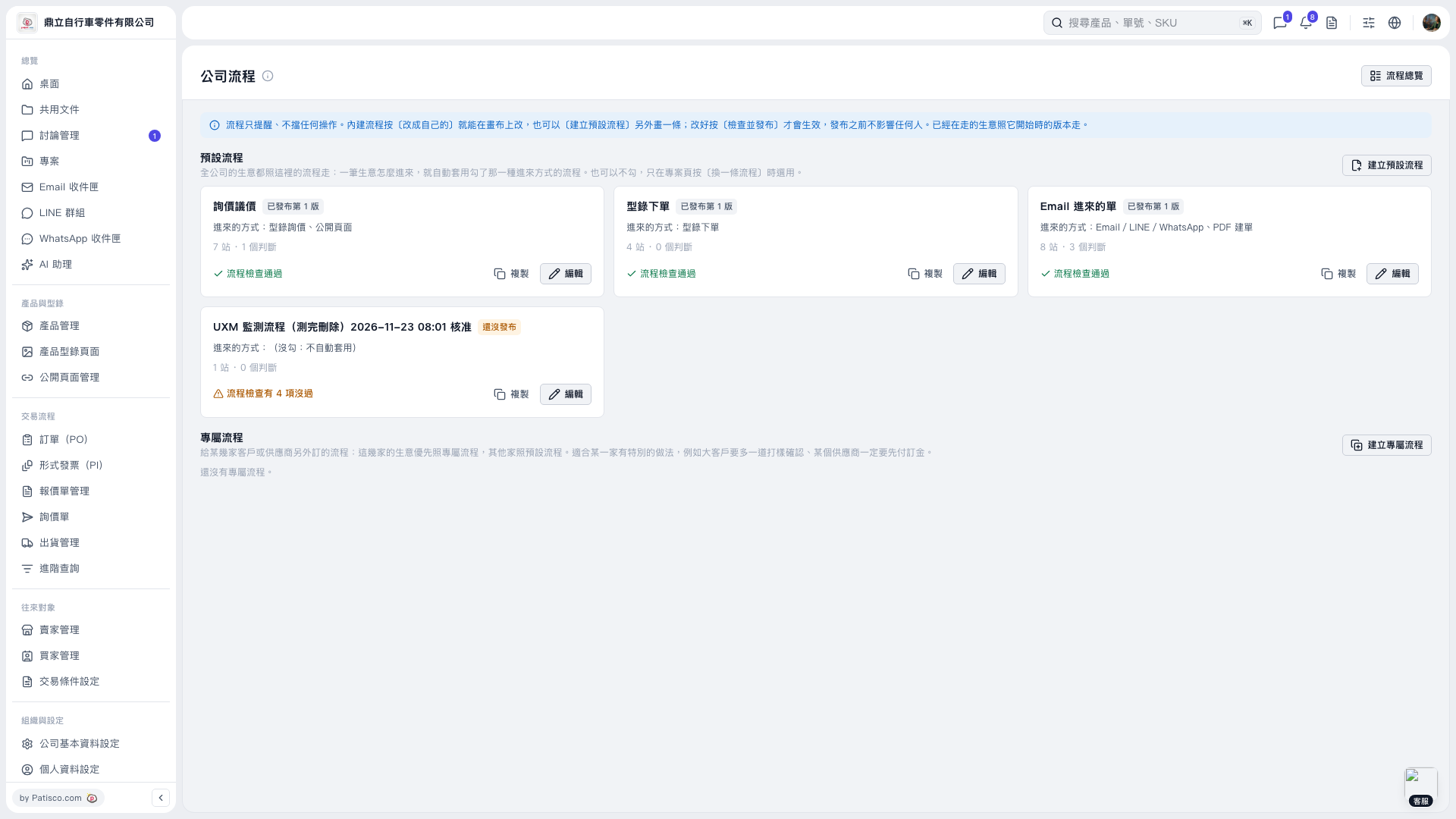 V5 新桌面版|公司流程