
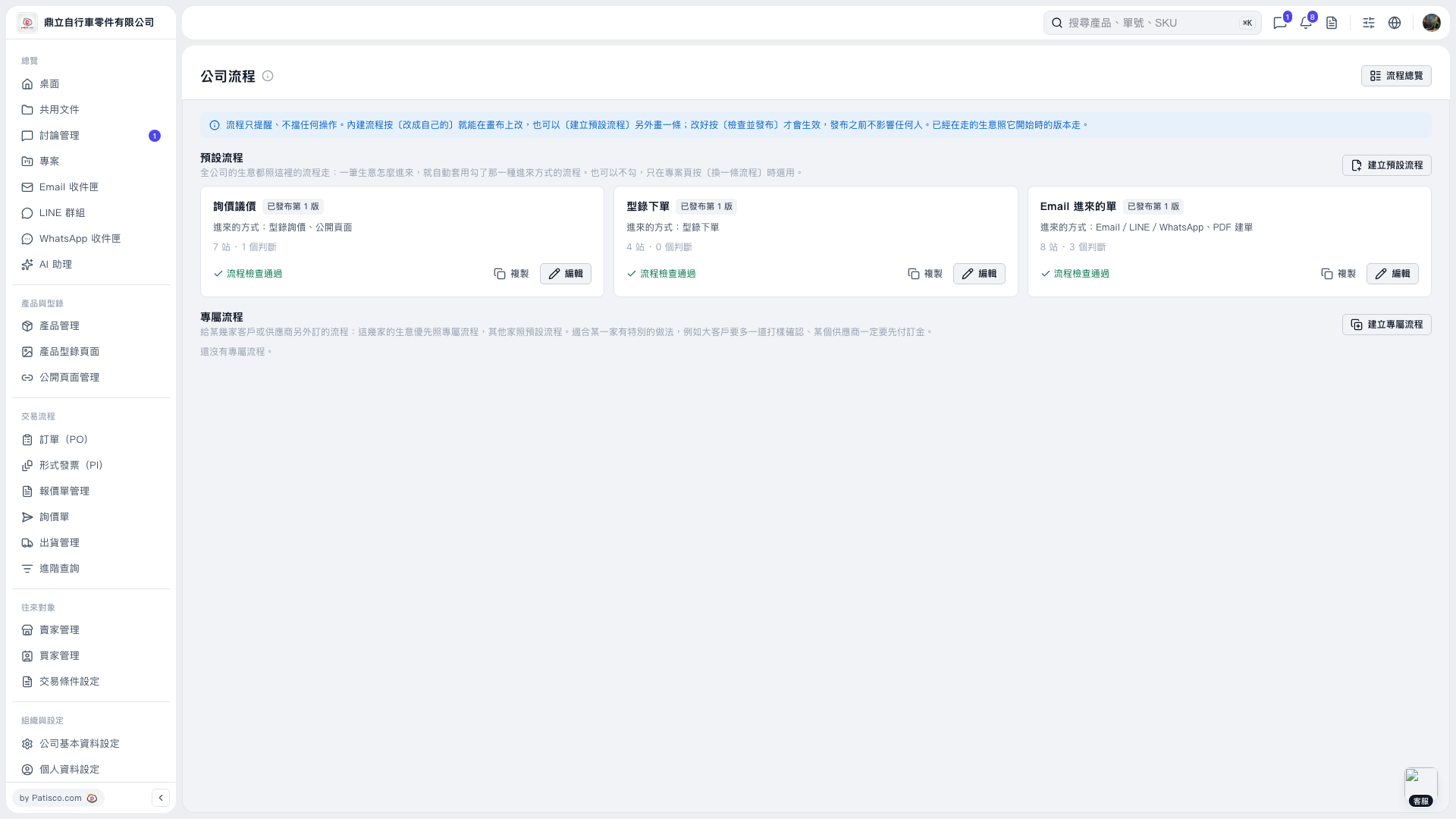
1. On the "Company Workflows" page, click [Create Default Workflow] in the "Default Workflows" section. 2. Under [Where to Start], choose how to create the workflow. The default is "Start from Blank (Start and End Only)." You can also select a built-in workflow to copy. 3. After editing the workflow, click [Check & Publish] to activate it. Changes made before publication do not affect workflows currently in use. Business already in progress continues to use the version it started with.
 V5 新桌面版|公司流程