
1. Under "Entire Workflow" on the workflow canvas, select the "Entry Methods" to link to this workflow. 2. Click [Check & Publish]. Each entry method can be linked to only one default workflow. Duplicate assignments will prevent publication. 3. If no entry method is selected, this workflow can only be selected manually by clicking [Switch Workflow] on the project page.
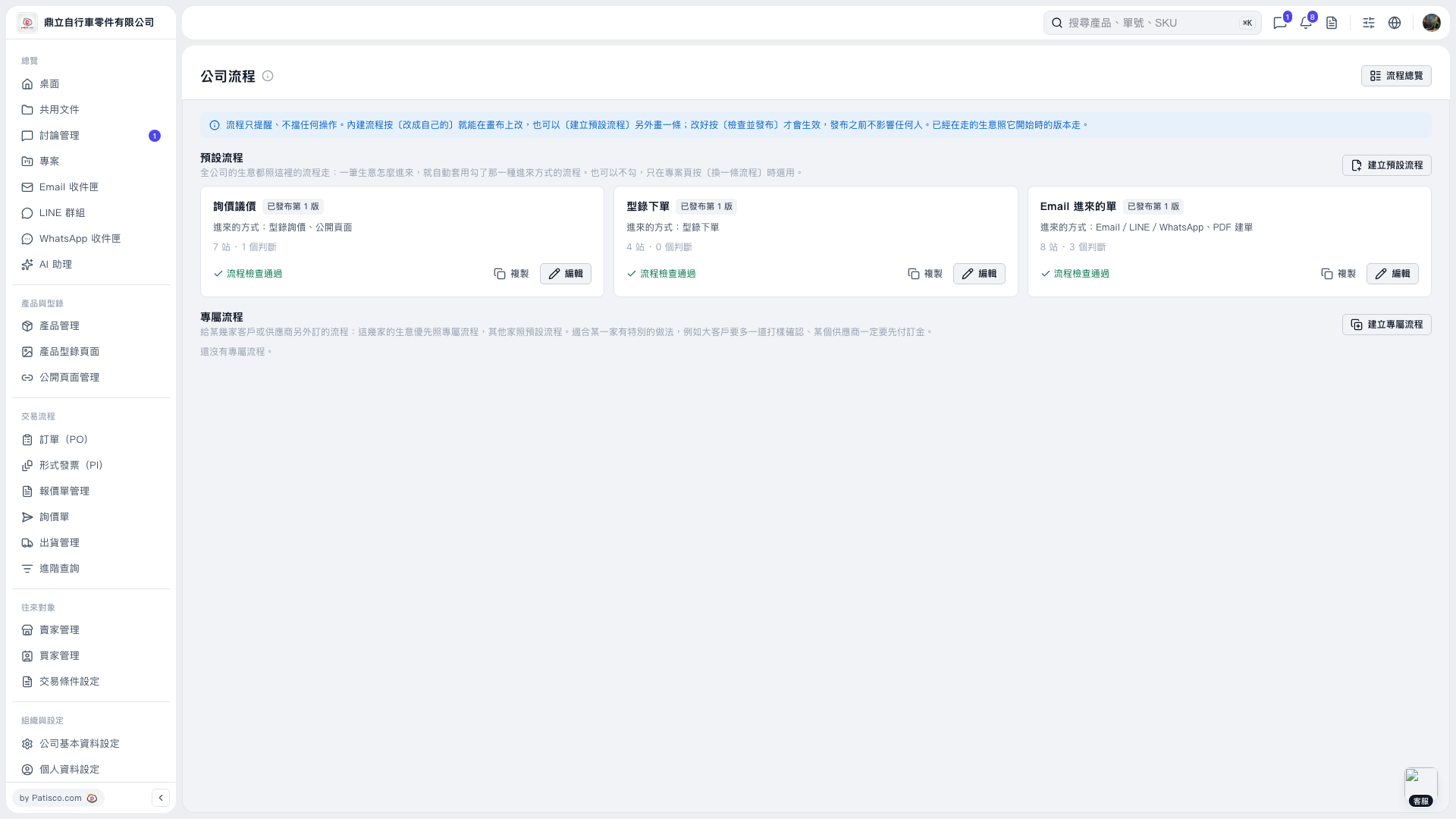 V5 新桌面版|公司流程